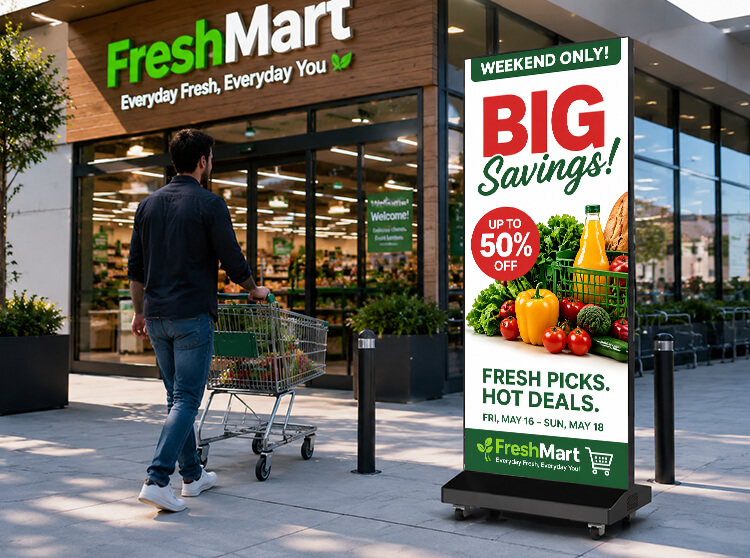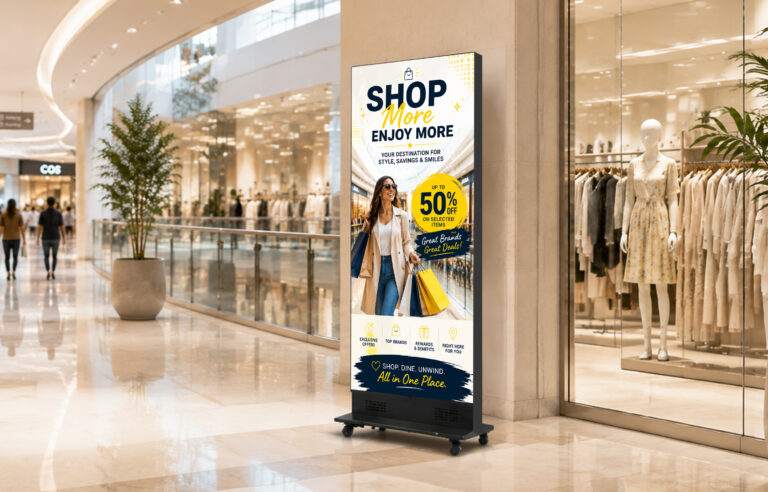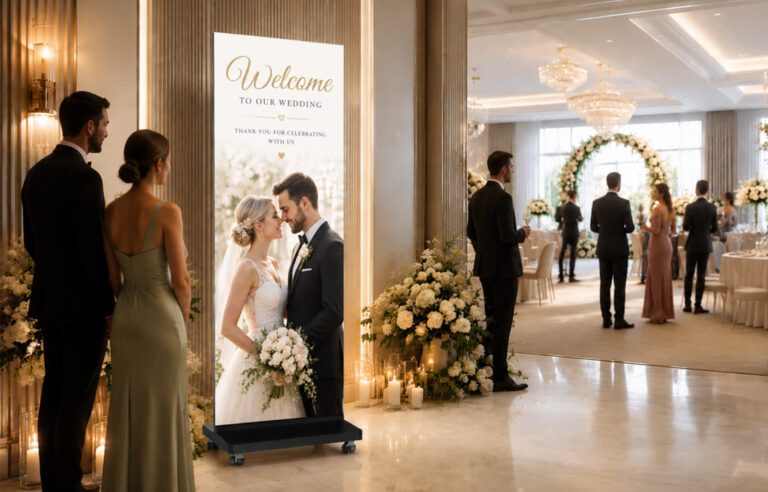
Against the backdrop of continuous upgrades to LED poster displays and the growing visibility of traditional poster screens’ shortcomings, an increasing number of retail stores, shopping malls, exhibitions, hotels, corporate office spaces, and advertising agencies are opting for poster screens across various event scenarios to capture customer attention. However, how much do LED poster screens cost? This is a question many people consider when selecting a poster screen. Since you’ve opened this article, you’re likely highly concerned about this very issue. Currently, the price of LED poster screens closely correlates with specifications such as model, size, pixel pitch, and brightness. Generally, prices vary among brands and models. So, how can one purchase a high-value-for-money LED poster screen?
This article addresses your questions by examining the core cost components of poster screens, analyzing current market pricing for LED poster screens, and offering guidance on selecting cost-effective, well-matched products.
1.What Factors Affect LED Poster Display Cost?
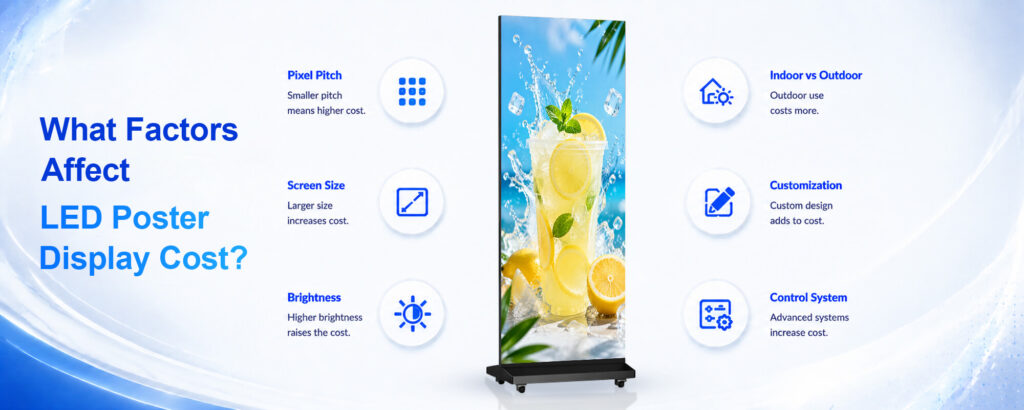
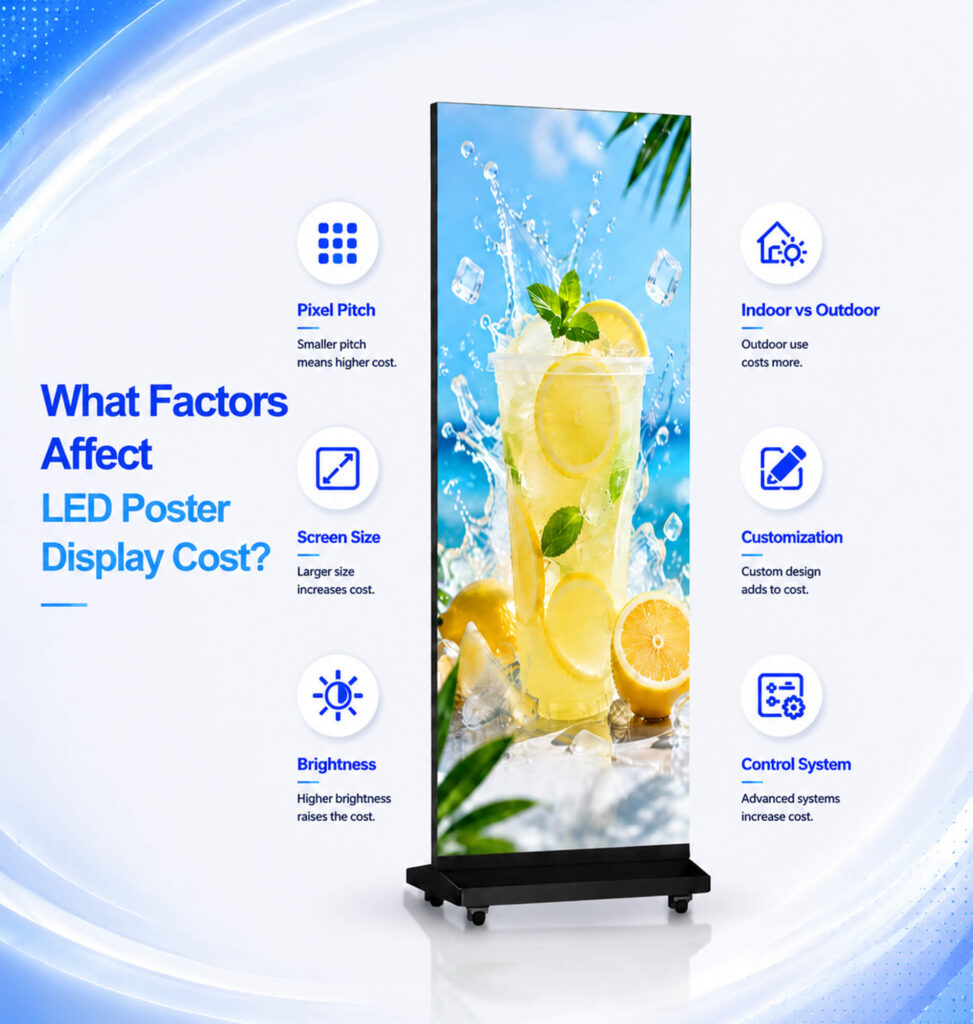
(1)Pixel Pitch: The Biggest Factor Affecting Price
Pixel pitch refers to the distance between pixels—specifically, the spacing between the small LED elements distributed across the screen—measured in millimeters (mm). Pixels are the fundamental building blocks of an image; a greater number of pixels and a finer pixel pitch naturally allow for richer detail. Higher pixel density makes it difficult for the human eye to distinguish individual light-emitting points at close range, resulting in superior image clarity and a seamless, finely detailed appearance. However, varying pixel pitches yield different levels of image quality and result in price differences, primarily due to variations in material costs and manufacturing complexity.
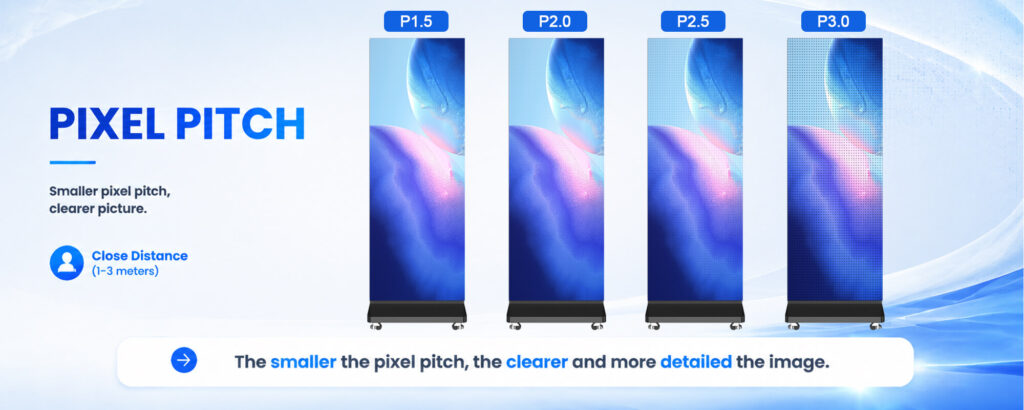
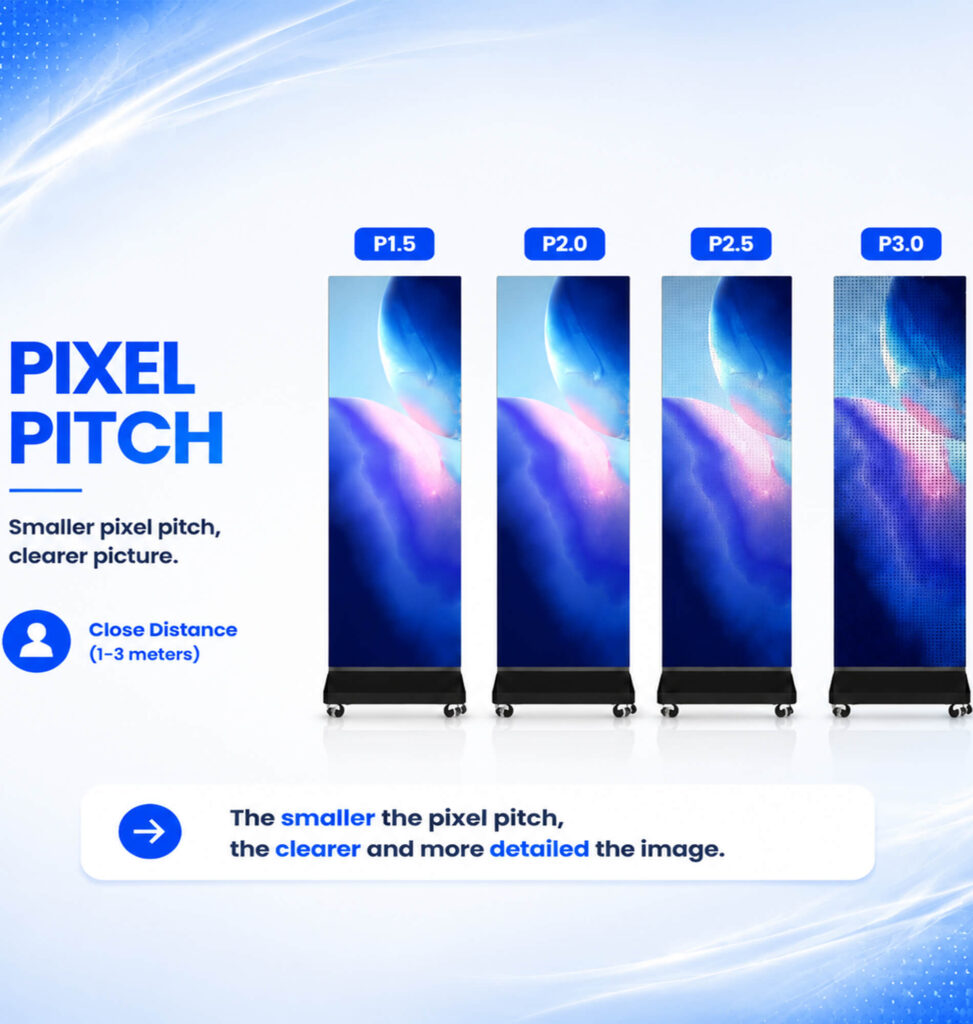
Exponential increase in the number of LED beads: Pixel density grows exponentially. This means that for a screen of the same size, a P2 display may require more than twice the number of LED beads compared to a P3 display. Since LED beads can account for nearly 40% of the total cost, an increase in quantity naturally drives up the overall product price.
Exponential rise in manufacturing requirements: When the pixel pitch shrinks below a certain threshold (e.g., under P1.0), the precision required for component mounting becomes extremely high. Production complexity, equipment precision requirements, and yield rate control all present significant challenges, further driving up manufacturing costs.
Therefore, the key when purchasing is to strike a balance based on viewing distance and budget. For close-range viewing (such as indoors), a smaller pixel pitch (P-value) is preferable; for long-range viewing (such as outdoor advertising), a larger pixel pitch offers better cost-effectiveness.Common LED Poster Display pixel pitches include: P 1.2/ P 1.5 /P 1.86 /P 2/ P 2.5 /P 3.For details on how to choose the right LED poster display, you can click on the buying guide for reference.
(2) Screen Size :A critical hidden cost
The larger the LED poster display, the more LED modules, materials, and components are required, leading to higher total costs. It is not simply a matter of the price increasing with size or quantity; the cost is also driven by material waste and structural expenses associated with “non-standard cutting.
Module Utilization Rate : LED modules are “building blocks” of standard sizes (320×160 mm). If your poster display dimensions are exact multiples of the module size (640x320mm), material waste is virtually zero; however, if the dimensions are “awkward” (700×400 mm), the modules must be cut—meaning you pay for the discarded portions—typically resulting in an additional 5%–15% in waste costs.
Cabinet and Structural Costs: The larger the display, the more robust and complex the rear load-bearing steel framework and heat dissipation system must be. For heights exceeding 2 meters, in particular, transportation and installation require forklifts or hoisting equipment, leading to a significant increase in labor costs.
A larger display does not always create better results. The best solution balances visibility and budget.
Common LED Poster Display sizes include: 640 × 1920mm/576 × 1920mm/720 × 2000mm/Customized sizes
When selecting screen size, businesses should consider:
- Installation space
- Viewing distance
- Customer traffic
- Advertising objectives
For specific details, please refer to:《LED Poster Display Buying Guide:How to Choose the Right Digital Advertising Screen for Your Business》
(3) Brightness Requirements
Brightness requirements drive up costs, as achieving higher brightness essentially involves “loading on” more physical components—each step up in brightness entails a comprehensive increase in costs related to semiconductor materials, power consumption, and thermal management systems.
This manifests in four key areas:
Skyrocketing costs for light-emitting chips: Brightness is determined by the size of the light-emitting chip within the LED bead. While chips for standard indoor screens measure around 66 mil, high-brightness outdoor screens require chips of 1014 mil or larger. Doubling the chip area halves the number of dies cut from a single wafer, directly driving up the cost of an individual LED bead by two to five times.
Escalating power system costs: Brightness is directly proportional to current; doubling the brightness doubles the peak current and power consumption. This necessitates power supplies with higher rated power and greater component redundancy—or even high-end units featuring Power Factor Correction (PFC)—adding hundreds of yuan to the cost per unit.
Heat dissipation as a “silent killer”: High brightness generates significant heat. To control temperatures and prevent LED degradation, thermal management solutions must be upgraded. Unlike indoor screens that rely on passive cooling, high-brightness screens require thicker copper foil on PCBs, high-speed fans, or even custom aluminum heat sinks, all of which directly increase material and structural costs.
Trade-offs regarding luminous efficiency and yield: Achieving extreme brightness often requires LEDs to operate at their current limits, which reduces luminous efficiency and causes a sharp spike in power consumption. To ensure longevity, manufacturers must use higher-quality encapsulation resins and lead frames, further driving up the costs associated with material selection and screening.
(4)Indoor vs Outdoor LED Poster Display:
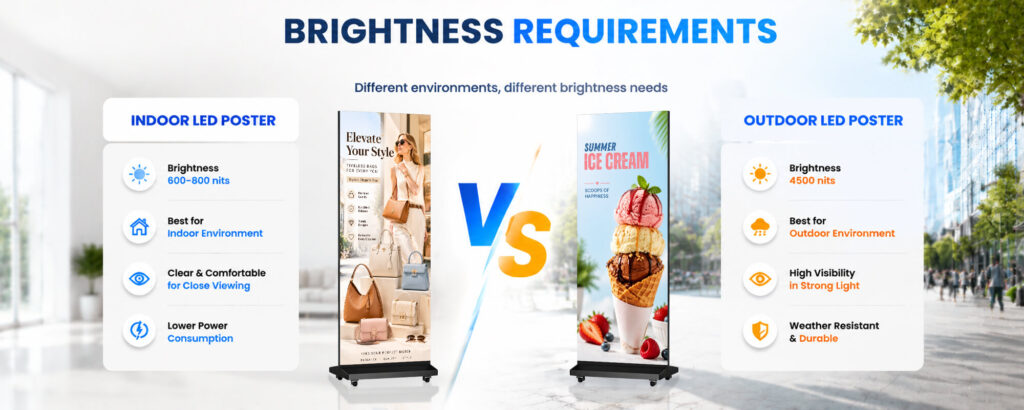
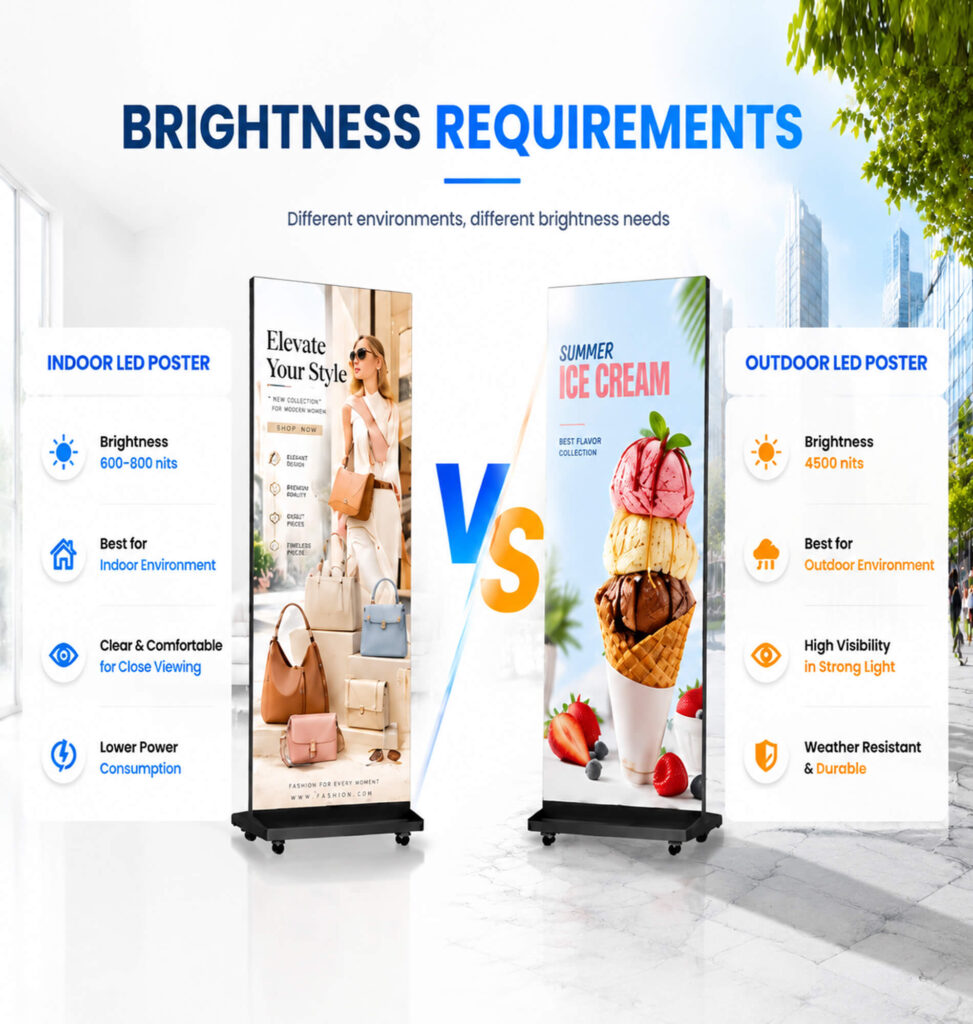
| Cost Factor | 🏠Indoor LED Poster Display | ☀️Outdoor LED Poster Display | Impact on Cost |
|---|---|---|---|
| Brightness Level | Typically requires around 600–800 nits brightness for indoor environments | Requires 5,000–8,000 nits to remain visible under direct sunlight | Outdoor models require high-power LED chips and stronger driving ICs. The cost of individual LED components can be 2–3 times higher than indoor versions. |
| LED Chips & Driving Technology | Uses standard LED chips suitable for controlled lighting environments | Uses high-current, high-brightness LED chips with enhanced stability | Higher brightness output requires more powerful chips and upgraded driver components, increasing material costs. |
| Weather Protection & Waterproof Design | Mainly designed for dust-free and controlled indoor environments | Must withstand rain, humidity, UV exposure, and temperature changes | Additional protective processes and materials significantly increase manufacturing costs. |
| Three-Proof Coating (Conformal Coating) | Usually does not require advanced protection | PCB boards require protective coating to prevent moisture, corrosion, and short circuits | Adds extra material costs and production steps while reducing manufacturing yield. |
| Full Glue Encapsulation | LED components usually remain exposed or have basic protection | LED gaps require transparent silicone sealing for waterproof performance | The waterproofing process requires more materials, labor, and quality inspection, increasing costs. |
| UV Resistance Treatment | Standard materials are sufficient for indoor lighting | Requires UV-resistant masks, glue, and external materials | Prevents yellowing, cracking, and aging caused by long-term sunlight exposure. |
| Heat Dissipation System | Lower heat generation and simpler cooling design | Requires advanced thermal management due to sunlight exposure and high brightness output | Outdoor displays often use aluminum cabinets, stronger cooling systems, and sometimes additional ventilation solutions. |
| Cabinet Structure | Lightweight structure for easy indoor installation | Stronger and thicker cabinet design for wind, impact, and environmental resistance | Increases material usage, weight, transportation costs, and installation requirements. |
| Operating Temperature Range | Usually designed for approximately 0°C to 40°C | Required to operate in wider ranges, typically around -20°C to +60°C | Requires industrial-grade electronic components, including capacitors and resistors with wider temperature tolerance. |
| Reliability Standards | Suitable for stable indoor conditions | Designed for long-term outdoor operation under extreme weather | Higher-quality components and stricter testing procedures increase overall production costs. |
(5)Customization and Quantity
The costs associated with customization primarily stem from production waste and R&D investment.
· Non-standard dimensions: As previously mentioned, cutting waste represents the largest hidden cost.
· Irregular shapes (curved, right-angled): These require custom flexible PCBs and specialized soldering processes; technical costs are 20%–50% higher than those for standard screens.
· Special mounting (suspended installation, mobile stands): These require custom load-bearing structures, incurring additional welding and labor costs.
Quality Grading: The “Long-Term Investment” in LEDs and Power Supplies
Quality determines whether a screen lasts three years or eight; the difference lies entirely in the internal components.
· LED packaging: High-end gold-wire LEDs offer superior aging resistance, whereas low-end copper or alloy-wire LEDs are prone to oxidation and breakage. Gold wire costs 30%–50% more than copper wire but results in a “dead pixel” rate that is ten times lower.
· Driver ICs and refresh rates: High-end PWM constant-current ICs support refresh rates of 3840Hz (eliminating scan lines in photos); while they cost two to three times more, the resulting image is easier on the eyes.
· Branded power supplies: There is a significant price gap—often several-fold—between branded power supplies (e.g., Mean Well) and generic ones; this choice directly determines the risk of screen blackouts or fires.
· Aging and quality control: Major manufacturers conduct 72-hour high-temperature, full-load aging tests, whereas smaller factories may only test for a few hours; this step alone accounts for a difference of hundreds of yuan per square meter in electricity and time costs.
(6)Control System
The control system is the “brain” of an LED poster display, directly determining how content is updated, managed, and rendered. While basic control systems meet fundamental playback needs, advanced synchronous, multi-screen, or cloud-managed control systems introduce significant cost variations based on features and functionality.
Cost differences in control systems are mainly driven by three key aspects:
Synchronous vs. Asynchronous Control Systems:Asynchronous (Standalone) Systems: These are the standard and most cost-effective choices for standalone LED posters. Content is uploaded via Wi-Fi, USB, or mobile apps and stored locally on the poster’s built-in memory.
Synchronous Systems: These require a dedicated media player or sending box connected to a computer in real-time, displaying live video feeds or synchronized feeds across multiple displays. Synchronous controllers and high-performance video processors add $150–$600+ to the system cost.
Multi-Screen Cascading & Video Splicing Capabilities:When multiple LED poster displays are joined together to form a larger seamless screen (cascading/splicing), higher-spec receiving cards and specialized video processors are required to handle frame synchronization and high-bandwidth signals without latency or tearing.
Cloud Cluster Management & Connectivity:For commercial users operating dozens or hundreds of posters across different locations (e.g., retail chains, airports), cloud-based CMS (Content Management Systems) with 4G/5G modules are essential. Integrated cloud-hardware controllers incur additional hardware costs and potential fees.
2.LED Poster Display Price Range in 2026
Through the above analysis, it is evident that price differences primarily depend on pixel pitch (resolution) and specific features. Below is a statistical analysis of LED poster display prices across the industry, based onmarket research from global LED display suppliers, manufacturers, and commercial display platforms.
| Product Category | Typical Specification | Application | Estimated Price Range (USD) |
|---|---|---|---|
| Standard Indoor LED Poster Display | P2.5 / P2.0 | Retail stores, exhibitions, hotels | $1,500 – $3,000 |
| High Resolution LED Poster Display | P1.86 / P1.53 | Premium retail, shopping malls, corporate lobby | $2,500 – $5,500 |
| Fine Pixel LED Poster Display | P1.25 / P1.5 | Luxury stores, museums, high-end advertising | $4,000 – $8,000+ |
| Foldable Portable LED Poster Display | P2.5 / P2.0 / P1.86 | Events, exhibitions, rental | $1,800 – $4,000 |
| Outdoor LED Poster Display | P3-P5, 4000+ nits | Outdoor advertising, transportation | $2,500 – $6,000+ |
| Customized LED Poster Solution | Custom size/features | Large commercial projects | $5,000+ |
3.Hidden Costs You Should Consider Before Buying an LED Poster Display
Many buyers focus only on the screen price but overlook additional costs that affect the total investment.Understanding these hidden costs helps businesses calculate a more realistic budget.
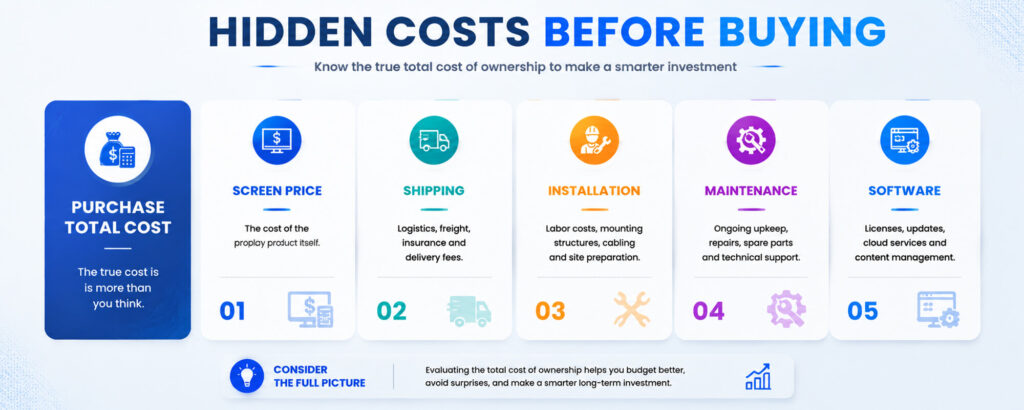
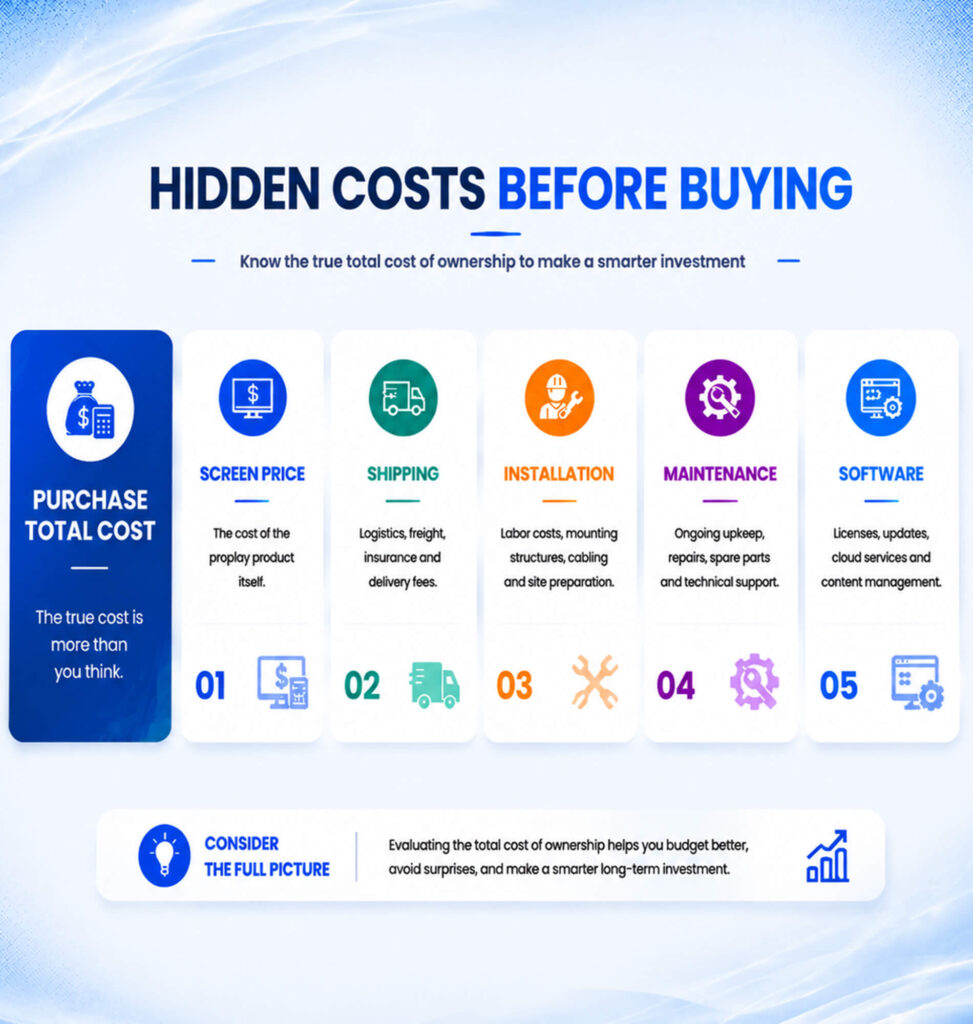
(1) Shipping and Import Costs
For international buyers, the final cost may include:
- International shipping
- Customs duties
- Taxes
- Local transportation
Large LED displays require professional packaging to prevent damage during transportation, which can also affect logistics costs.
(2) Installation and Setup Costs
Although many LED Poster Displays are designed for easy installation, some projects may require:
- Installation service
- Wall mounting structure
- Electrical preparation
- Network configuration
Complex installation environments may increase project costs.
(3) Maintenance and Spare Parts
A reliable LED display should be considered as a long-term investment.
Potential future costs include:
- Replacement LED modules
- Power supply replacement
- Maintenance service
- Software updates
Choosing a supplier that provides technical support and spare parts availability can reduce long-term operating costs.
(4)Software and Content Managemen
Some LED Poster Displays require software systems for:
- Remote content updates
- Multi-screen management
- Scheduling advertisements
- Network control
Depending on the system requirements, software costs may also need to be included.
4.What Should Businesses Consider Before Buying?
Selecting the right LED poster display isn’t about buying the most expensive or highest-resolution screen—it’s about finding the perfect balance between viewing distance, ambient lighting, and your actual ROI goals.
Here is a quick decision guide to help you get the maximum value within your budget:
Step 1: Determine Your Primary Application & Environment
First, match your display to your location. Operating environment dictates the minimum technical requirements (like brightness and IP rating):
| Application Scenario | Recommended Pitch (P-value) | Ideal Brightness | Key Focus Area |
|---|---|---|---|
| Indoor Boutique / Luxury Retail | P1.25 – P1.86 | 600 – 800 nits | Ultra-high visual clarity, rich color representation |
| Malls, Hotels & Corporate Lobbies | P2.0 – P2.5 | 800 – 1,000 nits | High cost-effectiveness, smooth motion playback |
| Exhibitions & Event Rentals | P2.0 – P2.5 (Foldable) | 800 – 1,200 nits | Portability, quick setup, durable casing |
| Semi-Outdoor / Window Displays | P2.5 – P3.0 | 2,500 – 3,500 nits | High brightness to combat sunlight reflections |
| Full Outdoor Locations | P3.0 – P5.0 | 5,000 – 8,000+ nits | Waterproofing (IP65+), weather resistance, high thermal dissipatio |
Step 2: Calculate Your Minimum Viewing Distance
A common mistake is overspending on an ultra-fine pixel pitch (like P1.2) when customers will only view the screen from 3 meters away.
Use this simple golden rule:
💡 The Golden Rule for Pixel Pitch Selection:
Minimum Viewing Distance (Meters) ≈ Pixel Pitch (mm)
Viewing distance of 1.5 – 2 meters? Choose P1.5 or P1.8.
Viewing distance of 2.5 – 3 meters? Choose P2.5 (Best ROI for standard retail).
Viewing distance > 4 meters? Choose P3 or higher.
Step 3: Choose Your Solution Package Based on Budget
Option A: “Best ROI / Budget-Friendly” ($1,500 – $2,500 per unit)
- Best for: Standard retail shops, cafes, independent boutiques.
- Recommended Specs: Indoor P2.5 / P2.0, standard size (640x1920mm), Wi-Fi/App control.
- Why it works: P2.5 offers crisp video quality at a distance of 2.5m+, delivering 90% of the visual performance of higher-end screens at a fraction of the cost.
Option B: “Premium Commercial / High Impact” ($2,500 – $4,500 per unit)
- Best for: Luxury brand stores, flagship showrooms, corporate headquarters.
- Recommended Specs: Indoor P1.53 / P1.86, slim aluminum cabinet, high refresh rate (3840Hz), synchronous cascading.
- Why it works: Supports seamless photo/video capture (no scan lines) and close-up customer interactions without visible grid lines.
Option C: “Multi-Store Chain / Cloud Fleet” (Custom Package)
- Best for: Retail chains, airport media, franchise brands managing 10+ screens.
- Recommended Specs: P2.0 / P2.5 with 4G/5G module + Centralized Cloud CMS.
- Why it works: Allows central marketing teams to push nationwide ad updates with one click, drastically reducing operational labor costs over time
Ready to Get an Accurate Quote for Your Business?
Prices vary based on pixel pitch, dimensions, installation requirements. and control system.
📢 [Contact us for a quote] :https://yinglux.com/led-poster-display/
5. Frequently Asked Questions (FAQ)
Q1: How long is the lifespan of an LED poster display?
A: Most high-quality LED poster displays have a theoretical lifespan of up to 100,000 hours (approx. 8–10 years under normal operation). Regular maintenance and operating at recommended brightness levels will significantly extend its working life.
Q2: What is the difference between LED poster displays and standard commercial TVs/LCD displays?
A: LED posters offer much higher brightness (visible in bright sunlight), seamless multi-screen splicing, longer lifespans, and custom sizes. Unlike LCD screens, LED posters have no visible bezels when chained together, creating a seamless larger display.
Q3: Can I control multiple LED poster screens remotely?
A: Yes. With a cloud-based Content Management System (CMS) and 4G/5G or Wi-Fi connectivity, you can update, schedule, and manage content on multiple screens across different locations from a single computer or smartphone app.
Q4: How difficult is it to install and set up an LED poster display?
A: Most standard indoor LED posters feature a plug-and-play design. They come with built-in media players, foldable stands, and wheels for mobility. Wall-mounting or hanging setups may require basic structural installation, but initial software configuration takes only a few minutes.
Q5: Are LED poster displays energy-efficient?
A: Modern LED poster screens use energy-saving driver ICs and LED lamps. On average, standard indoor models consume around 100W–200W per unit (less than typical household appliances), making them very cost-effective for 24/7 operation.
Q6: Do LED poster displays require professional software to create content?
A: No. You can upload standard image and video formats (JPG, PNG, MP4, MOV) directly via USB, Wi-Fi, or Mobile App. Basic layout and scheduling tools are included with the display’s control system.