
The Specification Gap That Kills Installs
Roughly 40% of digital signage display returns and field replacements trace back to a single cause: the screen was specified for the wrong environment. A 700-nit indoor panel installed in a south-facing window is unreadable by 10 a.m. An indoor-rated enclosure in an outdoor kiosk fails its first winter. Both mistakes are avoidable, and neither has anything to do with brand.
The decision that matters most is not which manufacturer you choose. It is whether the display’s brightness, ingress protection rating, and operating temperature range match the physical conditions of the install. Get those three right first. Everything else — resolution, content format, control architecture — is secondary and adjustable. Get them wrong and no feature list recovers the project.
Indoor vs. Outdoor: The Three Specs That Actually Decide It
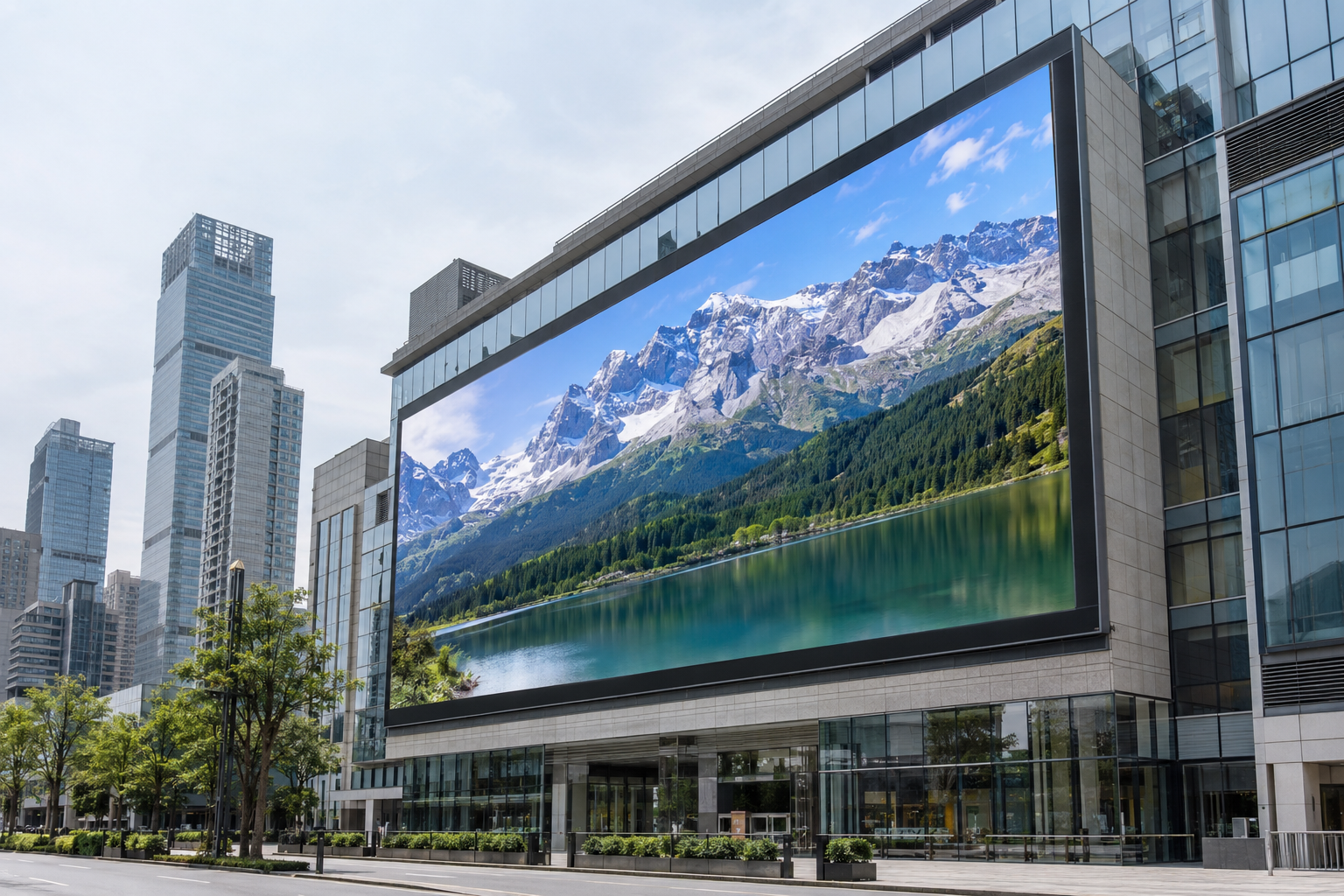
Brightness is the first dividing line. Indoor environments typically measure 200–500 lux of ambient light, and a display running 500–1,500 nits is visible at those levels. Step outside into direct sunlight, where ambient light can reach 50,000–100,000 lux, and that same panel disappears. Outdoor digital signage displays are rated at 3,500–10,000 nits precisely because physics, not marketing, sets the floor.
IP rating is the second. An indoor panel carries no meaningful ingress protection, which is appropriate when the enclosure is climate-controlled and cleaning crews use dry cloths. Outdoor installations face rain, dust, condensation, and pressure washing. IP65 is the minimum credible rating for any enclosure exposed to weather: it guarantees complete dust exclusion and protection against water projected from any direction. Anything below that is a maintenance liability, not a cost saving.
Operating temperature is the third, and the one buyers most often skip. Indoor LCD panels are typically rated 0°C to 50°C. Outdoor cabinets in northern Europe or North America must tolerate storage temperatures as low as −20°C and summer peaks above 60°C inside an enclosure in direct sun. The threshold that matters on the cold end is −20°C continuous operation: any location that records average January lows below −10°C will periodically push an under-rated panel into a no-start condition. Check the datasheet’s minimum operating temperature, not the minimum storage temperature — manufacturers list both, and storage ratings are higher. A panel rated to operate only to −10°C is not an outdoor product for Chicago, Stockholm, or Frankfurt, regardless of its IP rating.
The practical rule: if the install location receives direct sunlight for more than two hours per day, or if the enclosure is exposed to weather in any form, an indoor-rated display is the wrong choice. For cold-climate sites, the operating temperature floor on the datasheet must reach at least −20°C before the other specs are worth evaluating.
Pixel Pitch and Viewing Distance: The Table a Buyer Can Use
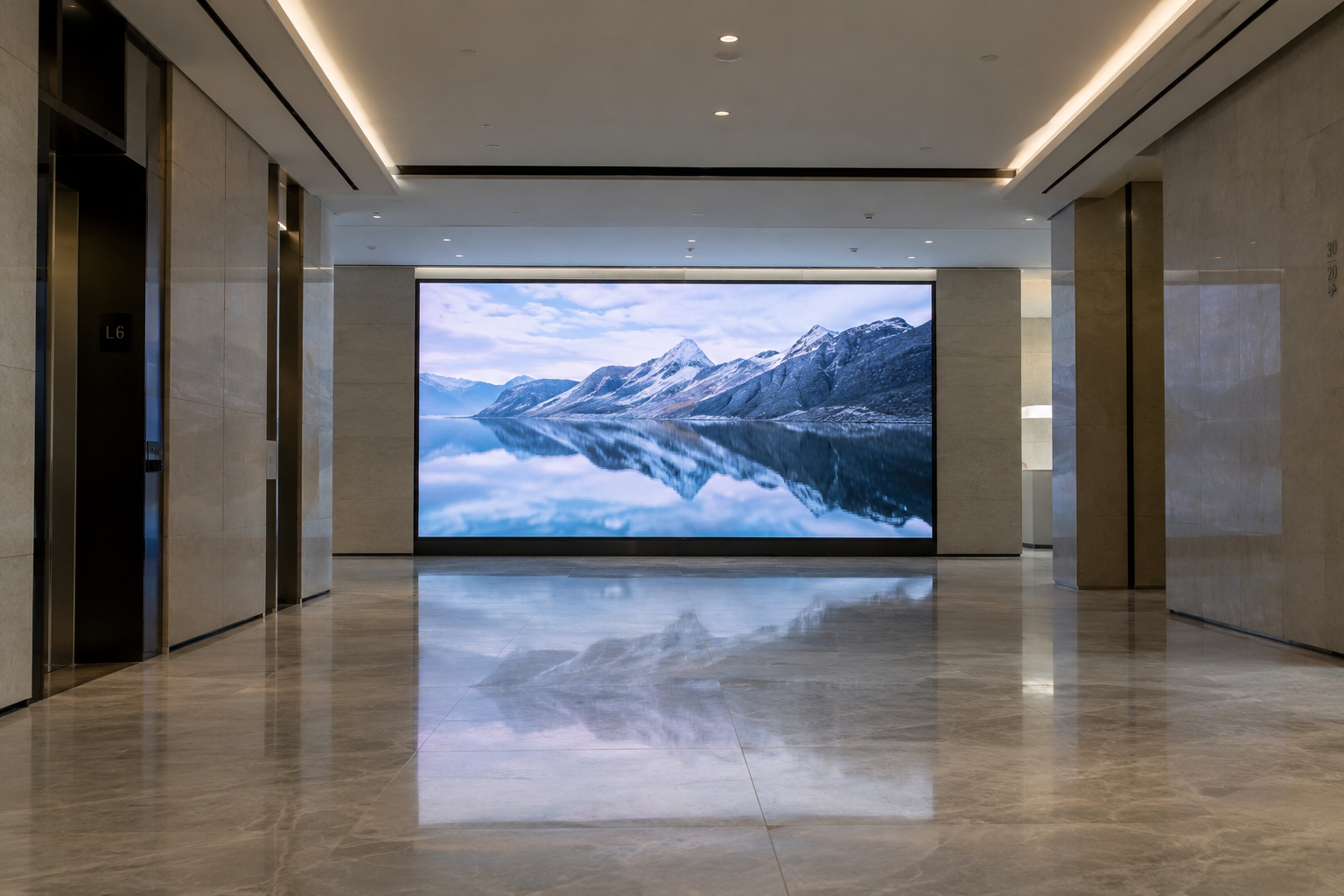
Pixel pitch is the centre-to-centre distance between two adjacent LEDs, measured in millimetres. A P2.5 module has pixels 2.5 mm apart; a P10 module has them 10 mm apart. The consequence for buyers: finer pitch produces a sharper image at close range but adds cost per square metre, and that cost delivers nothing once the viewer is standing farther away than the minimum readable distance. Over-specifying pitch is as wasteful as under-specifying it.
The rule of thumb used across the industry is that minimum viewing distance in metres is approximately equal to the pixel pitch value in millimetres. The table below makes this actionable.
| Pixel Pitch | Min. Viewing Distance | Typical Environment | Brightness Range |
|---|---|---|---|
| P1.5 | 1.5 m | Control rooms, broadcast studios | 800–1,200 nits |
| P2.5 | 2.5 m | Retail interiors, lobbies, conference rooms | 800–1,500 nits |
| P4 | 4 m | Large indoor venues, exhibition halls | 1,000–2,000 nits |
| P6 | 6 m | Indoor arenas, outdoor at short range | 3,500–5,000 nits |
| P8 | 8 m | Outdoor roadside, building façades | 5,000–8,000 nits |
| P10 | 10 m | Outdoor billboards, highway signage | 6,000–10,000 nits |
A lobby display viewed from 4 metres works well at P2.5 or P4; specifying P1.5 for the same install adds cost with no visible benefit to anyone standing in that lobby. Conversely, a P10 module installed in a corridor where the nearest viewer stands 3 metres away will look coarse regardless of content quality. Match the pitch to the viewing distance first, then confirm the brightness range suits the ambient light conditions at the site.
LCD Panels Versus LED Modules: Where Each One Fits
Below 2 m² of display area, an LCD-based display almost always wins on cost. A 55-inch wall-mount panel or a standing kiosk carries a lower unit price than a comparable LED module build-out, installs in minutes, and delivers 450–700 nits of brightness: sufficient for indoor ambient light below roughly 500 lux. Menu boards, wayfinding kiosks, and single-screen retail displays are natural LCD territory, which is why our indoor kiosk and wall-mount lines use LCD panels for exactly those deployments.
The case flips on three conditions. First, if the display area exceeds approximately 4 m², seamless tiling becomes structurally important: LCD panels carry a bezel of 3.5 mm or more per edge, which produces a visible grid at close viewing distances, while LED cabinets tile with no gap. Second, ambient light above 1,000 lux — atrium glazing, exhibition halls, semi-outdoor canopies — demands the 800–2,000 nits range that our fine-pitch indoor LED modules can sustain continuously; LCD panels at those levels wash out. Third, non-rectangular or curved surface requirements are impractical in LCD and routine in LED.
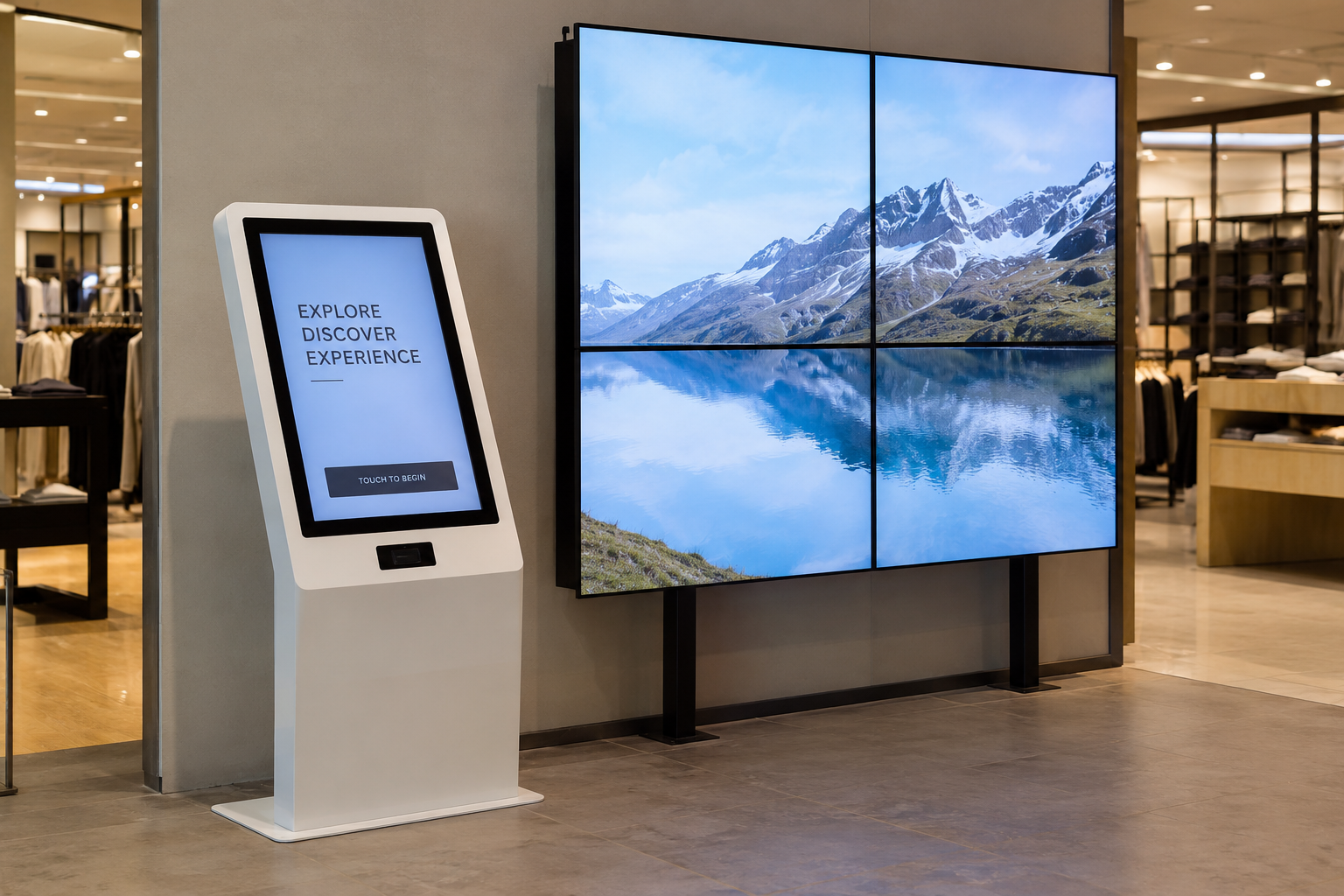
Cost per square metre inverts sharply past the crossover: fine-pitch LED at P1.5 costs more per unit area than a comparable LCD installation at small sizes, but at 6 m² and above the absence of bezels, combined with modular repairability, shifts total installed cost in LED’s favour. If the brief is a single screen under 75 inches in a normally lit indoor space, our LCD line is the right tool. Anything larger, brighter, or seamless belongs on LED modules.
Control Architecture: Synchronous vs. Asynchronous
Synchronous control means the display renders content that a connected PC is actively sending: the screen goes dark if the connection drops. That dependency is acceptable for a live data wall in a control room or a real-time stock ticker, where the source feed is the product. For most other deployments it is a liability, because it ties uptime to network continuity and PC health.
Asynchronous control, delivered through a CMS with a receiving card on each cabinet, uploads a scheduled playlist to onboard storage. The display runs independently once the content is loaded; the network connection is only needed to push updates. Retail chains, QSR menu boards, and transit displays benefit most from this architecture, because a network blip at 07:00 does not blank the morning menu.
The consequence of choosing wrongly runs in one direction: an operator who chose synchronous for cost reasons and then loses the connected PC has no content on screen. The fix requires a hardware change, not a settings adjustment. Specify asynchronous from the start if more than one screen needs to run on a schedule, or if the displays will operate in locations where a dedicated PC is impractical. Our CMS-enabled cabinets support remote playlist management across multiple screens from a single login.
GOB Coating and IP65: When Ruggedisation Pays
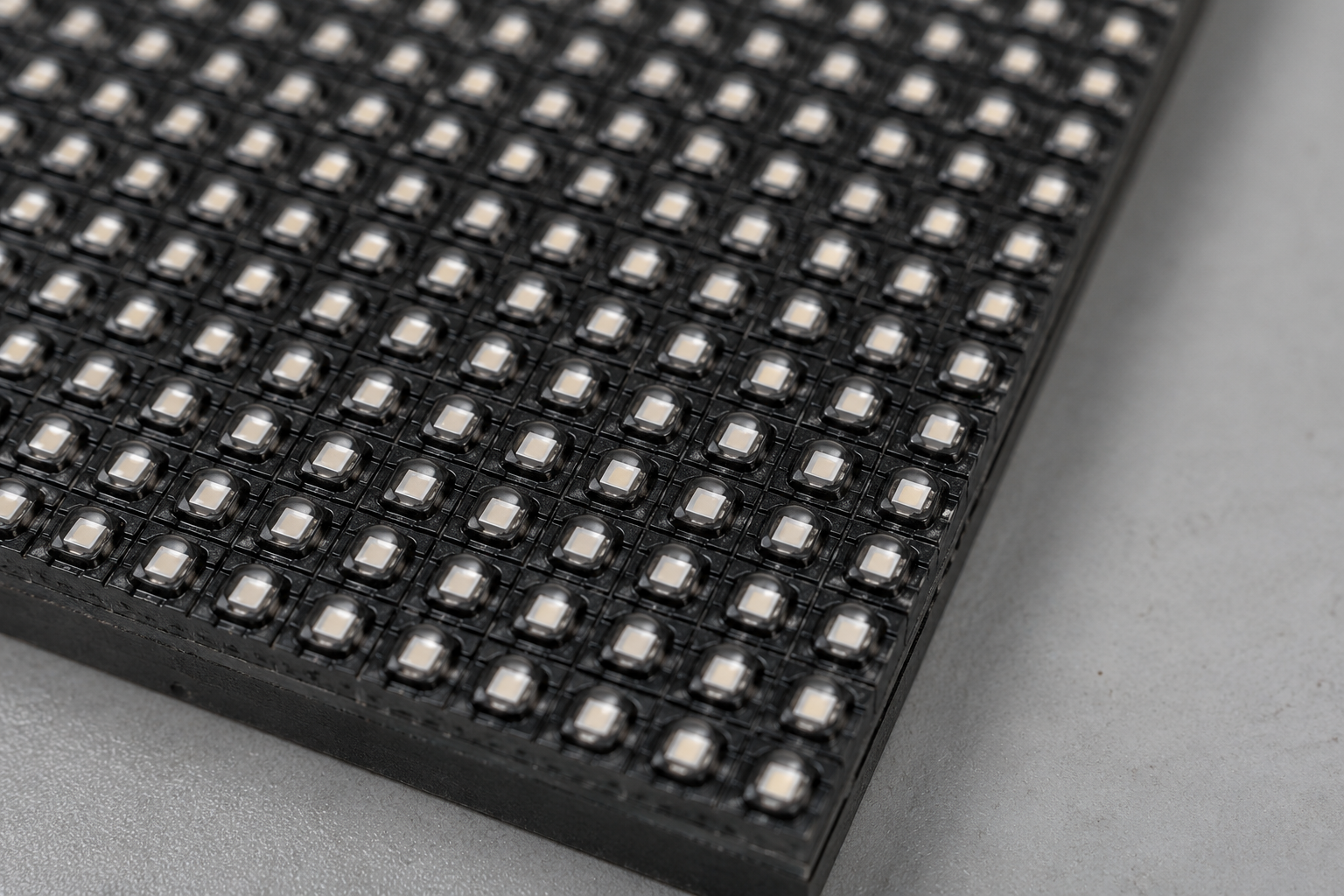
GOB (Glue on Board) fills the gaps between LED emitters on a module with a clear resin. The result is a flat, impact-resistant surface that blocks moisture, dust, and cleaning chemicals from reaching the solder joints beneath. IP65 is an ingress-protection rating under IEC 60529: the 6 confirms complete dust exclusion, the 5 confirms the enclosure withstands a sustained water jet from any direction.
The practical test is simple. If cleaning staff can reach the display with a pressure hose, IP65 is not a specification upgrade — it is the minimum. High-humidity environments (covered outdoor areas, food-processing adjacencies, car washes) and high-dust sites (construction lobbies, warehouses with active forklifts) meet the same bar. Our outdoor LED displays are rated IP65 as standard for exactly these conditions.
Where neither is needed: a back-office display in a climate-controlled server room, or a boardroom video wall behind glass, carries no meaningful moisture or impact risk. Specifying GOB or IP65 for those installs adds cost without a corresponding benefit. Use the environmental test, not a blanket policy.
When This Product Family Is Not the Right Answer
Three situations call for a different supplier. A single-screen retail install under 55 inches in a low-ambient-light environment often needs nothing more than a commercial-grade display; our line is built for multi-screen, higher-brightness, or outdoor-facing deployments, and the pricing reflects that.
Certified broadcast monitoring — colour-critical grading, medical imaging, broadcast master control — requires panel calibration and certification standards our display line does not carry. Those applications belong with specialist broadcast monitor manufacturers.
Finally, if the available budget cannot reach the minimum viable spec for the environment — adequate brightness for the ambient light level, the correct IP rating for the installation site — we will say so rather than quote a display that will underperform. A mismatched screen costs more to replace than the saving at purchase.
What We Need From You Before We Can Quote
An accurate quote requires six pieces of information: installation environment (indoor or outdoor, and the specific location type), intended viewing distance, total display area or cabinet count, content type (static graphics, video, or live feed), preferred control method (synchronous or asynchronous), and any certification requirements for the target market, such as FCC Part 15 for the US or CE for the EU.
When a detail is missing, we quote to the safer specification. Missing viewing distance means we default to the finer pitch; missing IP requirement for an outdoor site means we quote IP65 as standard. Both choices carry higher cost than a targeted spec would. The questions take two minutes to answer and typically reduce the quote. Send your install brief to info@yinglux.com or reach us on WhatsApp at +86 153 0267 9558 and we will return a configuration matched to your environment.
Sampling and Lead Time: How the Standard and Custom Paths Differ
Standard products ship from our US and Europe warehouses — no separate sample lead time. Order one unit, and it ships within 24 hours; that unit is your sample. The custom path works differently. Any change to logo, enclosure, pixel pitch, or control configuration triggers factory production, with a minimum order of 50 units and a production cycle of 15 days from specification sign-off. What makes an order "custom" is not complexity but deviation from a stocked configuration: a non-standard pixel pitch, a modified cabinet dimension, or a specific certification bundle not carried in warehouse stock. If you are evaluating our line before committing to a custom run, the warehouse path is the faster proof of concept.
Maintenance and Replacement Economics
Cabinet access design is one of the more consequential choices a buyer can defer until it is too late. Front-service cabinets allow module and power-supply replacement from the face of the screen, which matters wherever the installation has no rear clearance: a wall-flush lobby display, a window-facing retail unit, or any cabinet mounted above head height. Rear-service designs cost less to manufacture, and where access is genuinely available from behind, that saving is real. Where it is not, rear-service means scaffolding or a full panel removal for every service call, and that labour cost compounds across a three-year warranty period.
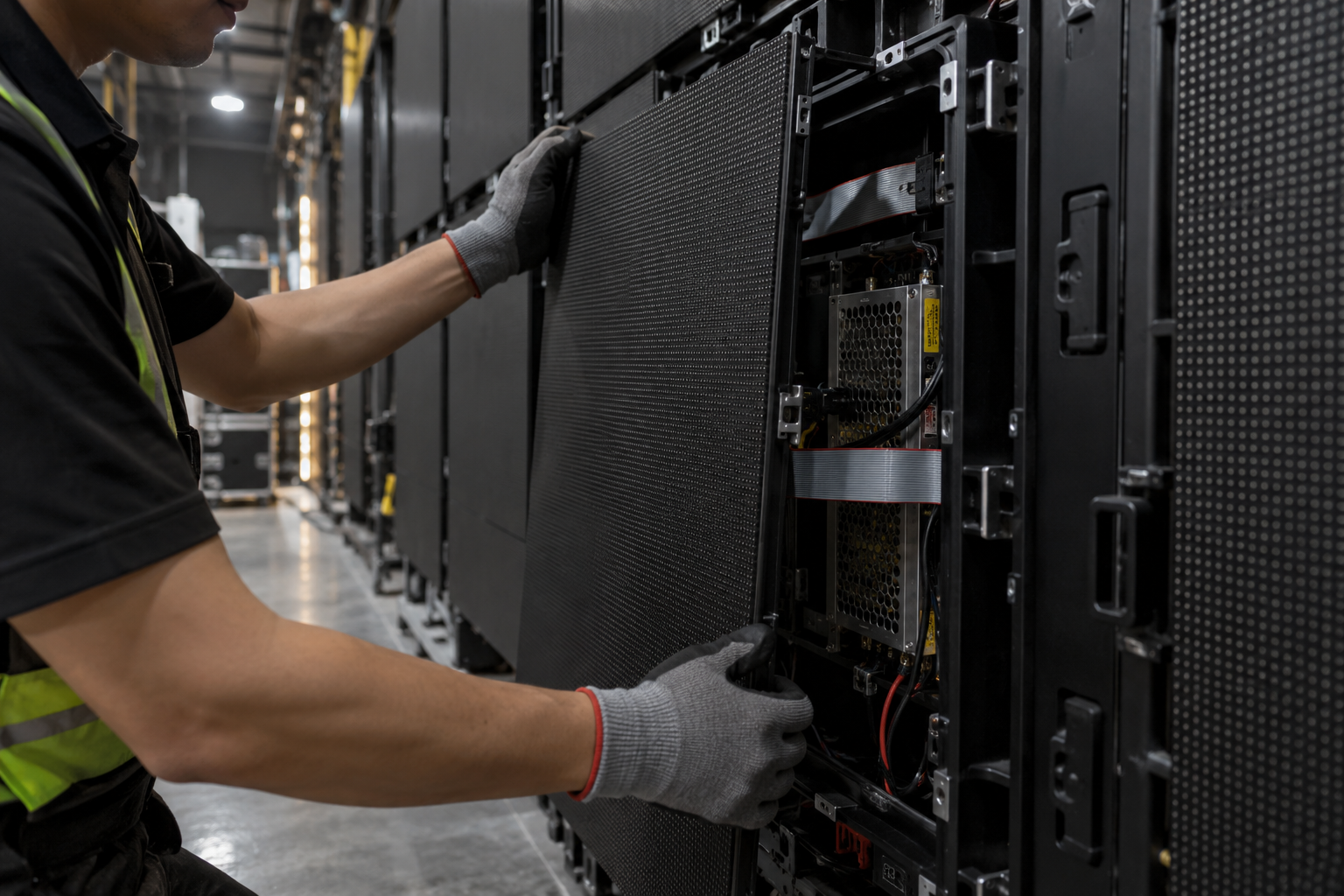
Our warranty covers three years. The practical implication is that within that window, module-level faults are addressed without a full cabinet replacement, which keeps the total cost of ownership lower than a display requiring full unit swap-outs. After the warranty period, modular LED construction means individual modules can be replaced rather than the entire display, provided the same module generation remains available. That availability narrows over time, which is why specifying a pixel pitch and cabinet format that is likely to remain in production is a more durable decision than optimising for the lowest unit price at time of purchase.
Frequently Asked Questions
What pixel pitch do I need for a lobby display viewed from 4 metres?
As covered in the pixel pitch section, P4 (4 mm pitch) sets its minimum comfortable viewing distance at 4 m. At that distance, P2.5 delivers no visible improvement in perceived resolution — the eye cannot resolve the additional detail — so specifying finer pitch adds cost without a perceptible return. P4 is the correct choice; P6 is workable if viewing angles are narrow and content is mostly text or bold graphics.
Does IP65 certification cover submersion?
No. IP65, rated under IEC 60529, certifies complete protection against dust ingress and resistance to water projected from a nozzle in any direction. It does not cover submersion, even briefly. Submersion requires IP67 (up to 1 m for 30 minutes) or IP68 (defined by the manufacturer for greater depth). For outdoor signage exposed to rain and cleaning hoses, IP65 is sufficient; for below-grade or flood-prone installations, it is not.
Can I manage multiple screens from one CMS?
Yes. Asynchronous control, as described in the control architecture section, allows a single CMS instance to schedule and push content to any number of screens across a network. Screens store and play content independently, so a dropped connection between updates does not interrupt playback. The number of screens manageable from one CMS account depends on the CMS platform, not the display hardware.
What certifications are required for the US and EU markets?
For the US, FCC Part 15 covers radio frequency emissions from digital displays. For the EU, CE marking is required and covers the relevant directives including electromagnetic compatibility. RoHS applies in both markets and restricts hazardous substances in electronic equipment. Our standard products carry CE, FCC Part 15, and RoHS; confirm with us which certifications apply to the specific SKU before ordering.
Next Step
Send us your install brief — the details listed in the quoting section: environment, viewing distance, display area, content type, control preference, and any certification requirements. We will return an accurate quote for the configuration that fits. If a detail is still open, say so; we will quote to the conservative spec and flag where the number moves once it is confirmed. Reach us at info@yinglux.com or WhatsApp +86 153 0267 9558.
