Printed menu boards are inexpensive to produce but expensive to maintain: every price change, seasonal item, or promotional push means a new print run, a new install visit, and downtime while the old sign comes down. Digital menu signage removes that cycle by putting menu content under software control — but a screen alone does not make a functioning digital menu signage system. Display technology, brightness, pixel pitch, environmental rating, content management software, and installation all have to be specified together, and the correct specification changes depending on where the screen will live.
This guide walks through that digital menu signage specification process the way a signage integrator or procurement team would approach it: starting with the installation environment, moving through hardware selection, and ending with total cost of ownership. For a deeper look at hardware selection specifically, see our LED vs. LCD Drive-Thru Menu Board comparison and our Drive-Thru Procurement Guide.
What Digital Menu Signage Covers
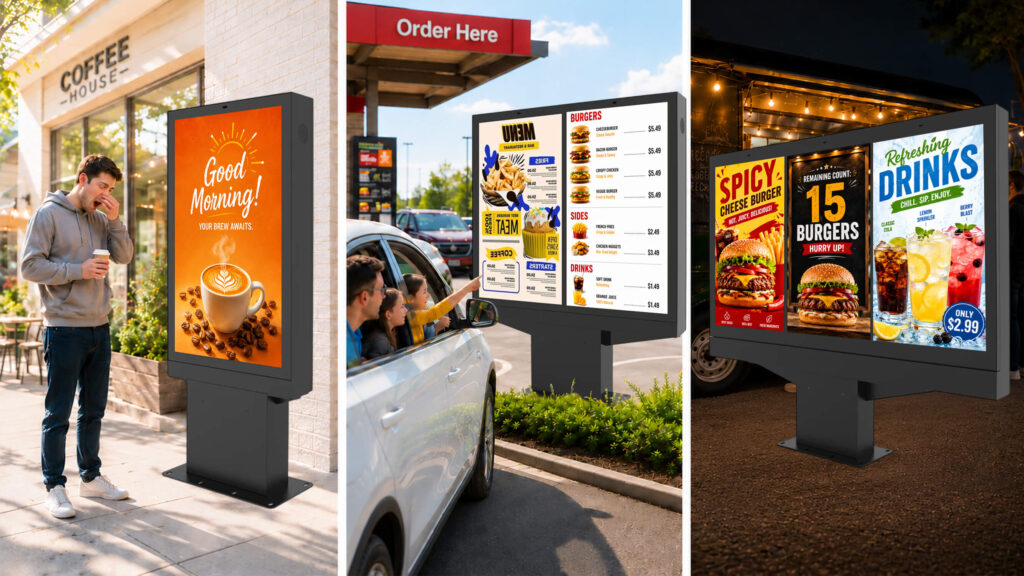
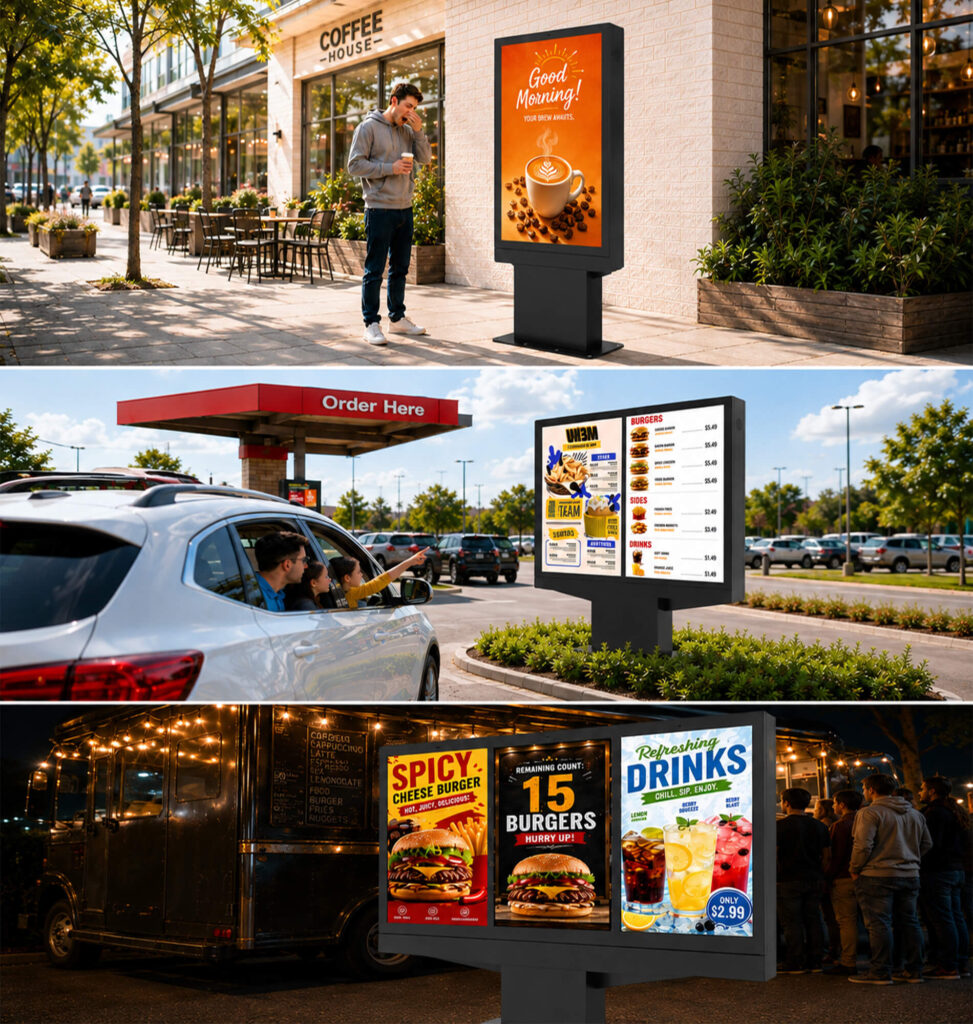
Digital menu signage is any screen-based display used to present menus, pricing, promotions, or ordering information in place of static print. The category spans several distinct deployment types, each with different technical requirements:
- Indoor counter menu boards — landscape LCD arrays behind the register, common in QSR and fast-casual formats
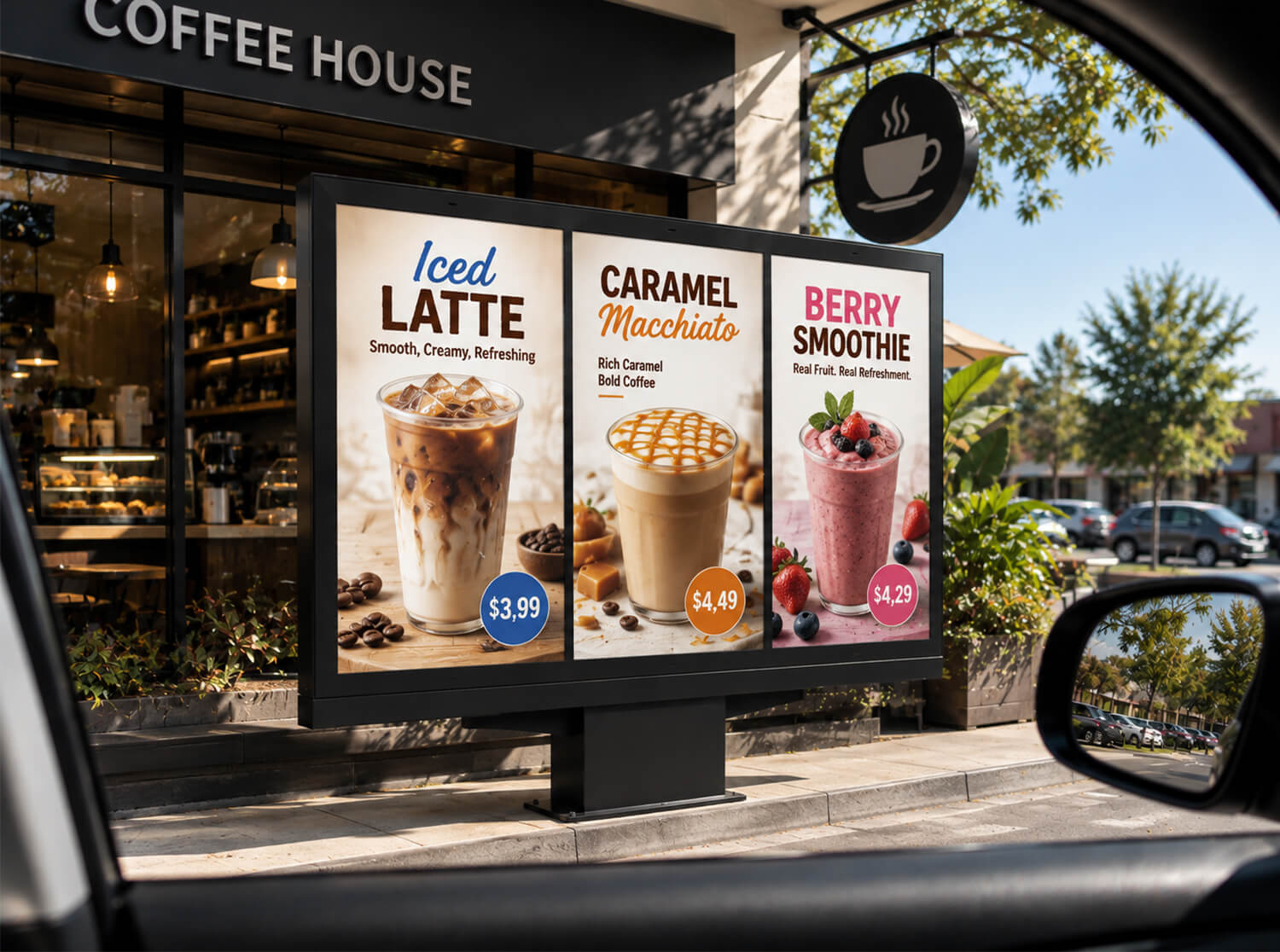
- Cafe and coffee shop boards — often portrait orientation, compact footprint
- Food court and cafeteria displays — multi-zone layouts serving several vendors
- Food truck menu displays — space- and power-constrained, frequently battery- or generator-fed
- Outdoor building-mounted menu boards — walk-up windows, patio ordering points
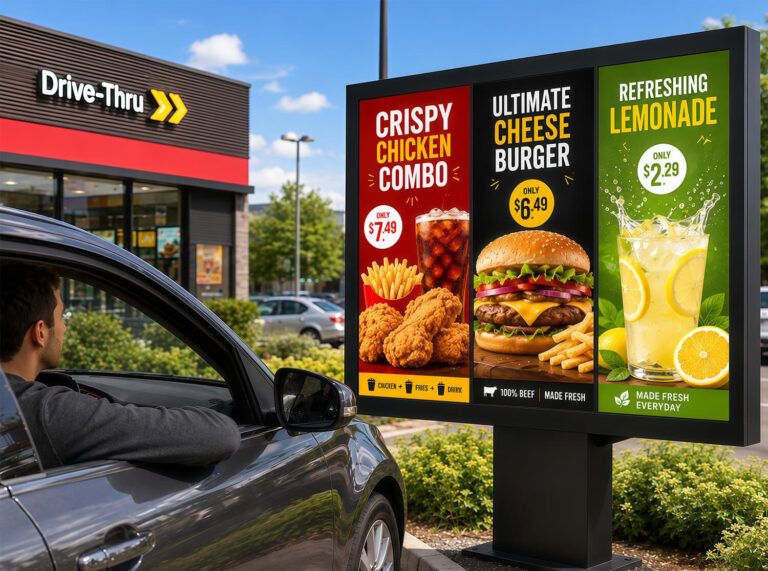
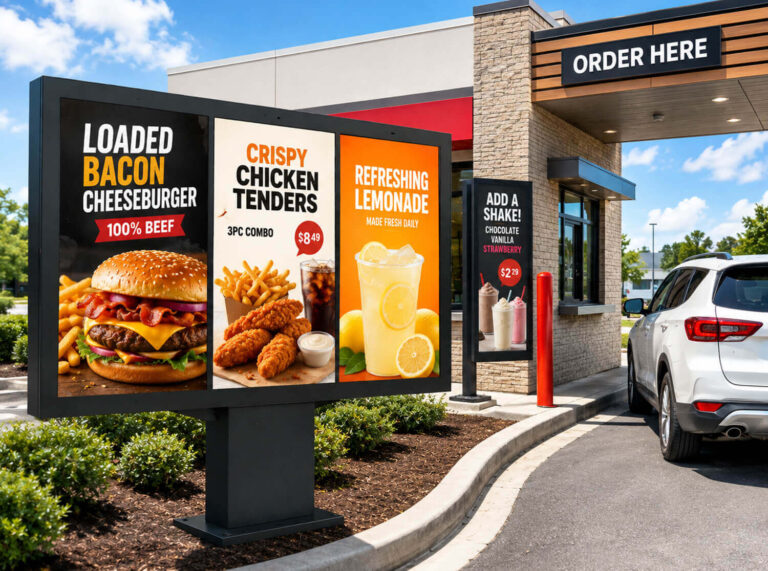
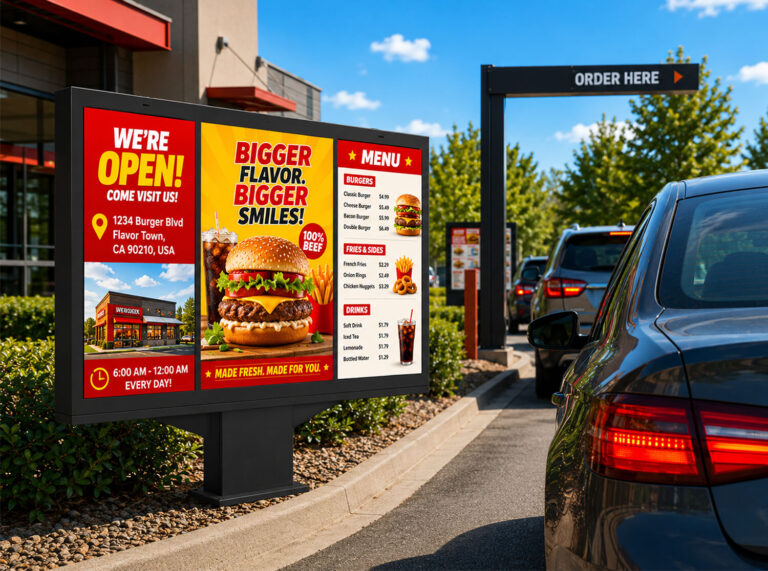
- Drive-thru menu boards — read from inside a moving or idling vehicle, under direct sunlight, at a fixed distance
- Promotional / upsell displays — secondary screens used for merchandising rather than core ordering
There is no universal configuration. A display engineered for an air-conditioned indoor counter will not survive — or perform — mounted outdoors above a drive-thru lane, and an outdoor-rated system is over-specified (and overpriced) for indoor use.
A Short History of the Drive-Thru Format
Drive-thru service developed in the U.S. as car ownership expanded and quick-service restaurants looked for ways to serve customers without a dine-in stop. Order boards, intercoms, and pickup windows became a standard three-part layout. Printed and backlit menu panels were the norm for decades; digital menu signage entered the format later, driven by the need to update pricing and run day-parted menus (breakfast/lunch/dinner) without physical sign changes. Digital drive-thru boards are now standard in new QSR construction and common in remodels, particularly where operators run frequent limited-time offers.
Step 1: Define the Installation Environment First
Environment determines almost every downstream spec — brightness, enclosure rating, viewing distance, and orientation all follow from it. Before evaluating hardware, establish:
- Indoor or outdoor installation
- Actual viewing distance (measured, not estimated)
- Available mounting space and structural support
- Landscape or portrait orientation
- Hours of operation (does the unit run 24/7?)
- Ambient and direct sunlight exposure
- Power and network drop location
For drive-thru specifically, measure the distance from the stopping point at the order station to the screen — this single number drives text size, pixel pitch, and screen size decisions more than any other input.
Step 2: Choose Display Technology — LCD vs. LED
Commercial LCD is the default choice for indoor menu boards. It delivers high pixel density (native 1080p/4K) at close range, straightforward mounting, moderate cost, and simple content delivery via HDMI or an embedded media player. Typical commercial LCD brightness runs 350–700 nits — sufficient for indoor ambient light but inadequate under direct sun.
LED (direct-view or fine-pitch) is the standard choice where screen size needs to scale beyond a single panel, where brightness has to compete with daylight, or where the viewing distance is long enough that individual LCD panel bezels would interrupt the image. Outdoor LED menu boards commonly run in the 4,000–6,000 nit range to remain legible in direct sunlight, versus 350–700 nits for indoor LCD.
Neither technology is categorically superior — the decision is driven by environment and viewing distance:
| Factor | Favors LCD | Favors LED |
|---|---|---|
| Installation | Indoor, protected | Outdoor, exposed |
| Viewing distance | Short (counter-height) | Long (drive-thru lane) |
| Ambient light | Controlled | Direct sunlight |
| Budget | Lower upfront cost | Higher upfront, justified by durability/brightness need |
| Screen size | Single panel sufficient | Large-format or seamless multi-unit |
An outdoor drive-thru board exposed to direct sun typically requires either an outdoor-rated high-brightness LED unit or a high-brightness (2,500+ nit), sunlight-readable LCD in a sealed outdoor enclosure — a standard indoor commercial LCD will wash out and is not a viable substitute.
Step 3: Specify Brightness to the Site, Not to a Spec Sheet
Brightness should be selected against measured or reasonably estimated site conditions, not maximized by default. Indoor units at 350–700 nits are adequate for controlled lighting; pushing brightness higher indoors creates glare and unnecessary cost. Outdoor units facing east/west exposure with long periods of direct low-angle sun need higher sustained brightness than a north-facing or overhang-shaded installation.
Automatic brightness control (via ambient light sensor) is standard on quality outdoor commercial displays and should be treated as a requirement, not an upgrade — it prevents the screen from being uncomfortably bright at night while remaining legible at midday.
Step 4: Match Screen Size and Pixel Pitch to Viewing Distance
Screen size should follow from viewing distance and content density, not be chosen for visual impact. For LED displays, pixel pitch (the center-to-center distance between diodes, in mm) sets the minimum viewing distance below which individual pixels become visible. A common rule of thumb is a minimum viewing distance of roughly 1 meter per 1mm of pixel pitch (varies by panel and application), though display manufacturers publish exact optimal-viewing-distance figures per model.
Because drive-thru boards are typically read from several feet to tens of feet away, a coarser (larger) pixel pitch is usually appropriate and considerably cheaper than the fine pixel pitch used for close-viewing indoor LED walls. Specifying an unnecessarily fine pitch for a drive-thru lane adds cost without adding legibility — the customer at that distance needs correctly sized text and clear category separation, not additional pixel density.
Drive-thru readability priorities, in order, are typically: menu category, item name, price, combo/upsell callouts, promotional message. Layout and font sizing should be tested against the actual measured distance, not assumed.
Content Design: Prioritize Hierarchy Over Density
A well-specified digital menu signage display with a poorly designed layout will still underperform. Menu board design should be built around information hierarchy rather than fitting the maximum number of items on screen.
Customers scan rather than read. A functional layout answers three questions quickly: what’s available, what does it cost, what should I choose. That means:
- Highest-priority items (bestsellers, promotions) get the strongest visual weight
- Prices sit in a consistent, predictable position across categories
- Descriptive copy stays short — the screen supports the decision, it doesn’t sell the ingredient list
- Photography is used selectively, not on every line item
Digital signage supports far more visual flexibility than print, but that flexibility is a liability if it results in clutter, unnecessary animation, or a menu that takes longer to parse than the printed version it replaced.
Beyond the Menu: Using the Screen for Marketing
Because content is software-controlled, the same hardware that displays the core menu can also carry:
- Limited-time offers and seasonal items
- Day-parted menus (automatic breakfast/lunch/dinner switching)
- Combo and upsell prompts
- Loyalty program messaging
- Brand and campaign content
This is one of the reasons digital menu signage outperforms print on ROI, not just on maintenance cost — the same screen earns its keep through both operational savings (no reprints) and incremental marketing value.
Software: The Layer That Actually Runs the Digital Menu Signage
Hardware displays content; software controls what that content is and when it runs. Content management system (CMS) requirements for digital menu signage scale with deployment size:
- Single location — a simple scheduling/playlist tool is usually sufficient
- Multi-location or franchise — requires centralized management, role-based permissions, remote scheduling, multi-screen synchronization, and remote monitoring/diagnostics
Before selecting software, confirm hardware compatibility (media player, OS, supported codecs), network requirements (bandwidth, uptime expectations for remote push), supported media formats, and licensing model
Commercial Display vs. Consumer TV
A consumer TV can technically drive a menu layout, but commercial displays are built for a different duty cycle: continuous 16–24 hour operation, higher-heat tolerance, professional mounting hardware, RS-232/network remote management, and longer warranty terms aligned with commercial use. Consumer panels are typically warrantied and engineered for a handful of hours per day, not continuous operation, and lack the remote-management interfaces multi-location operators need.
For outdoor deployment, this distinction is not optional — a consumer TV has no environmental sealing and is not a substitute for an outdoor-rated commercial unit.
Outdoor Engineering: Sealing and Thermal Management
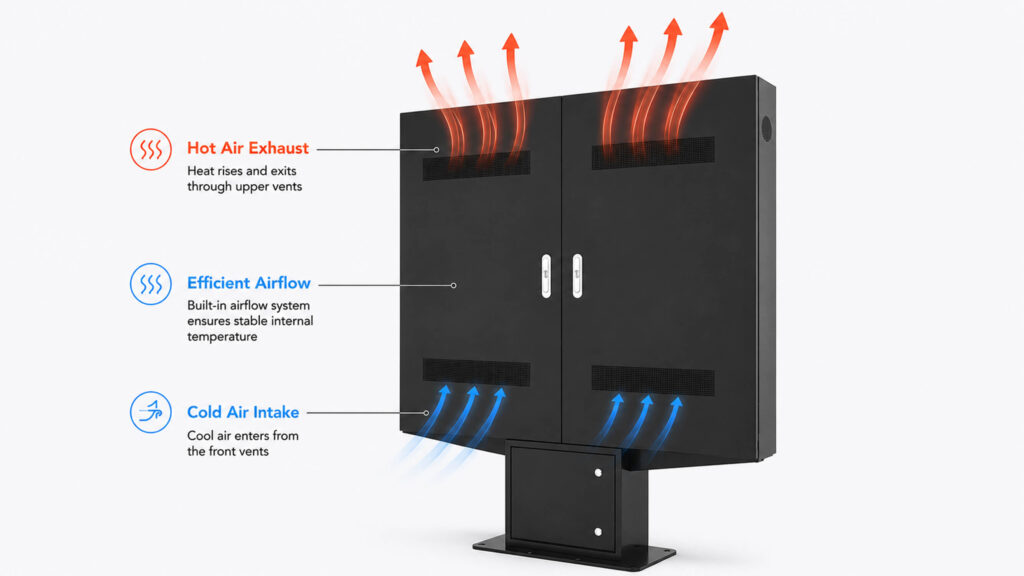
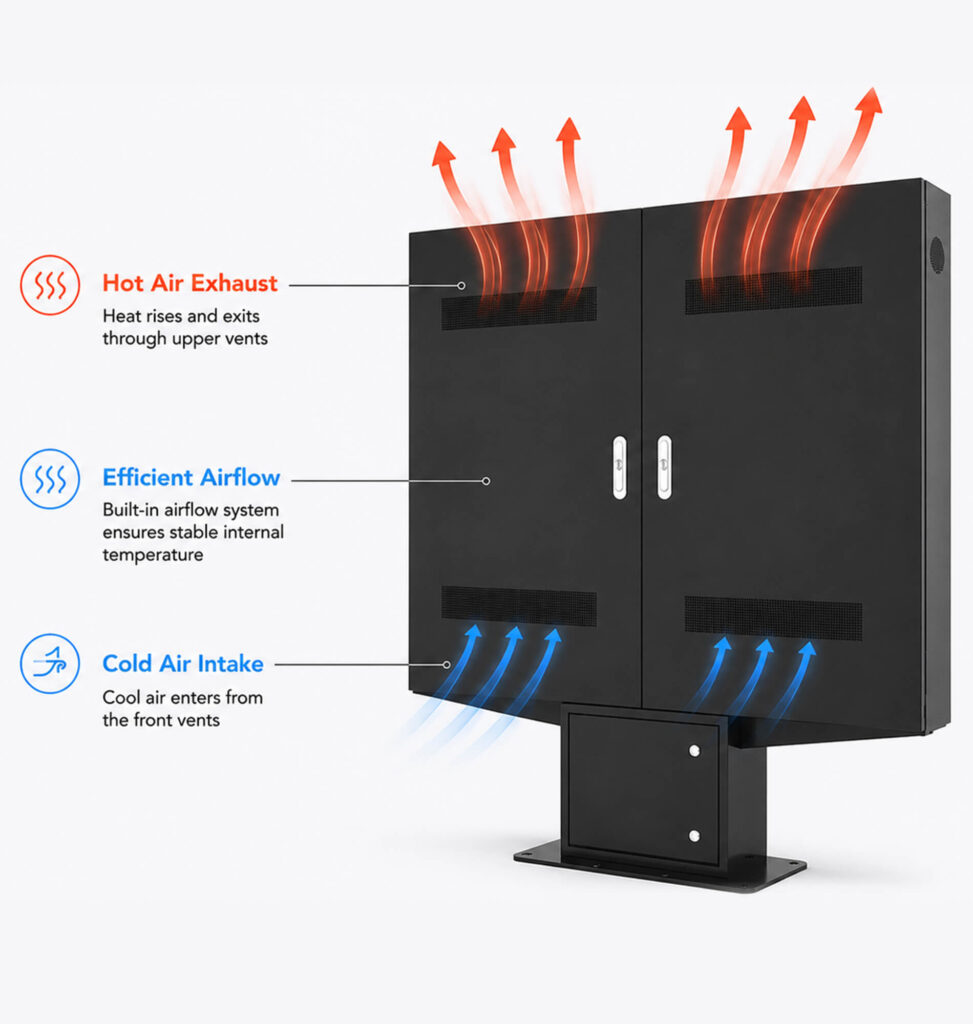
Outdoor digital menu signage is a system, not just a bright screen. Reliability depends on:
- Ingress protection — an IP65-rated (or higher) enclosure protects against dust and water jets; this is a baseline spec for outdoor signage, not an upgrade. IP ratings are defined by the international standard IEC 60529, so it’s worth asking suppliers for the tested rating rather than a marketing claim of “weatherproof”
- Thermal management — sustained direct sun raises internal component temperature; outdoor units need active cooling (fans, heat exchangers) or passive designs rated for the local climate’s peak ambient temperature
- Optical bonding / anti-glare glass — reduces reflection and improves daylight contrast
- Sealed cable entry and corrosion-resistant hardware — particularly relevant for coastal or high-humidity sites
Evaluate outdoor units on IP rating, operating temperature range, and cooling method — not brightness figures in isolation.
Drive-Thru-Specific Priorities
Drive-thru boards are read by a driver with a short dwell time, from a fixed and known distance, usually with direct sun exposure for part of the day. The priority order is: legibility at the measured viewing distance, sustained outdoor brightness, weather sealing, and physical placement relative to the order point and speaker post. Promotional graphics should never compete with core ordering information for visual priority — the primary job of the screen is to let the driver order quickly and correctly. Coordinate screen position, height, and angle with the driver’s eye level at the stopping point, and treat the display as part of the full drive-thru layout rather than a standalone sign bolted onto an existing structure.
Off-premises traffic — including drive-thru — now accounts for a large and growing share of restaurant orders, which is part of why operators are investing in this format; see the National Restaurant Association’s off-premises dining research for current trend data. For a step-by-step breakdown of the drive-thru category specifically, see What Is a Digital Drive-Thru Menu Board?
Installation and Field Testing
Once hardware and software are selected, installation should be validated against real conditions, not just specification sheets:
- Mount height and angle set to the actual eye level of the target viewer (customer at counter, driver in vehicle)
- Daytime and nighttime visibility both tested on site
- Glare and reflection checked from the actual approach angle, not head-on only
- For multi-location rollouts, the first installation should serve as a template validated before replication
Specification-sheet performance and field performance are not always identical; on-site testing catches problems — glare from an unexpected angle, insufficient brightness at a specific time of day — that don’t show up on paper.
Total Cost of Ownership
Hardware is usually the largest single line item, but a complete deployment includes:
- Display hardware
- Mounting/structural hardware
- Media player or embedded controller
- CMS software (license or subscription)
- Installation labor
- Network equipment
- Outdoor enclosure (where applicable)
- Ongoing maintenance and eventual component replacement
Indoor systems generally carry lower total cost because they don’t require weatherproofing or high-brightness components. Outdoor and drive-thru systems cost more up front due to brightness, sealing, and thermal requirements — but a lower-cost display that fails early or requires frequent service can exceed the lifetime cost of a higher-spec commercial unit. For multi-location operators, total cost of ownership (not per-unit purchase price) is the correct basis for comparison.
Specification Checklist by Use Case
| Deployment | Recommended Baseline Spec |
|---|---|
| Indoor restaurant counter | Commercial LCD, 350–700 nits |
| Small cafe | Compact commercial LCD, portrait or landscape |
| Outdoor walk-up window | High-brightness, IP65+ enclosure |
| Drive-thru | High-brightness LED or LCD, IP65+, matched to measured viewing distance |
| Large-format menu wall | LED or multi-panel LCD video wall |
| Multi-location / franchise | Centralized CMS with remote management |
| Frequent promotions / LTOs | CMS with scheduling and playlist functions |
| Continuous / long-hour operation | Commercial-grade components throughout |
| Coastal or extreme-climate outdoor | Enhanced corrosion resistance, upgraded thermal management |
Frequently Asked Questions
1.What is digital menu signage?
A screen-based signage system displaying menu items, pricing, imagery, and promotions, with content managed through software rather than physical sign replacement.
2.How much does digital menu signage cost?
Cost is driven by screen size, display technology, brightness, environmental protection, software licensing, installation, and screen count. Outdoor and drive-thru systems cost more than indoor installations due to brightness and sealing requirements.
3.Can a consumer TV work as a menu board?
For limited-hour indoor use, sometimes. For continuous operation, remote management, or any outdoor application, a commercial-grade display is the appropriate choice — consumer panels aren’t built or warrantied for that duty cycle.
3.What brightness does an outdoor menu board need?
It depends on site-specific sun exposure. As a general range, outdoor LED units run 4,000–6,000 nits to remain legible in direct sunlight, versus 350–700 nits for indoor LCD; automatic brightness adjustment is standard on quality outdoor units.
4.Is LED better than LCD?
Neither is universally better. LCD suits most indoor, short-viewing-distance applications; LED suits large-format, high-brightness, or long-viewing-distance outdoor applications like drive-thru.
5.Does digital menu signage need an internet connection?
Not for basic local playback, but network connectivity is required for remote content updates, scheduling, multi-location synchronization, and remote diagnostics.
6.Can one CMS manage multiple locations?
Yes — this is a standard feature of enterprise-tier digital signage platforms, typically with centralized dashboards, permissions, and scheduling across all connected screens.
Conclusion
Specifying digital menu signage is a systems decision, not a single-product purchase. The correct display technology, brightness, pixel pitch, enclosure rating, and software all follow from the installation environment and measured viewing distance — not from choosing the largest or brightest option available. Indoor counters generally call for standard commercial LCD; drive-thru and other outdoor applications call for high-brightness, sealed, thermally managed systems specified against real sun exposure and vehicle-stop distance. Evaluated on total cost of ownership rather than sticker price, the right-sized system is typically the most cost-effective one — not the most expensive.
Need Custom Outdoor Digital Menu Signage for Your Project?
From high-brightness displays to thermal management and IP65+ sealed enclosures, we build custom solutions tailored to your site conditions.
👈 [Get a Custom Quote / Consultation] (https://yinglux.com/outdoor-digital-menu-board/)