
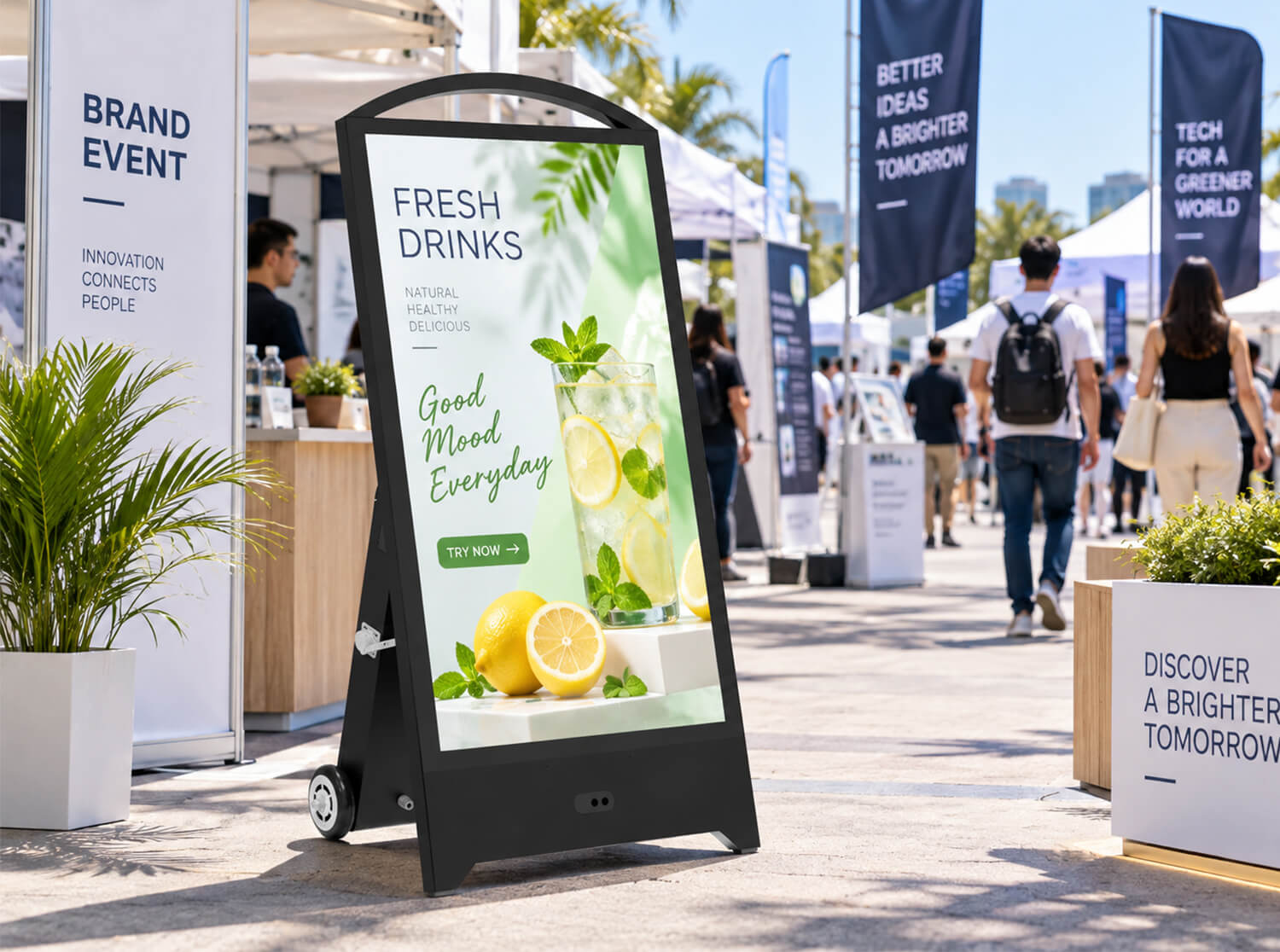
A Buyer’s Guide to Runtime, Power Planning & Reliability
At a trade show, retail activation, or outdoor event, few things undermine a display’s impact faster than a screen that goes dark mid-day. Buyers are often told a maximum runtime figure during the sales process, only to find that real-world performance falls short once brightness, content, and environmental conditions are factored in. The gap between advertised runtime and actual runtime is rarely a defect — it is usually a planning gap.
This guide walks through what actually determines how long battery powered digital signage lasts, how to estimate runtime before a deployment, and how to build a power strategy that holds up under real event conditions — whether you’re running a single portable unit or managing a fleet across multiple sites.
1. What Determines Battery Runtime
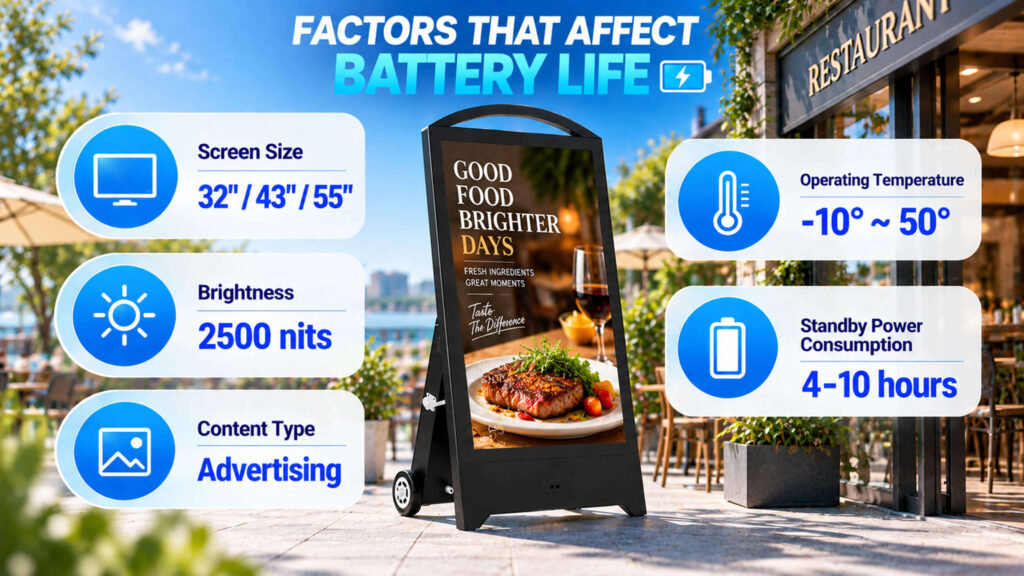
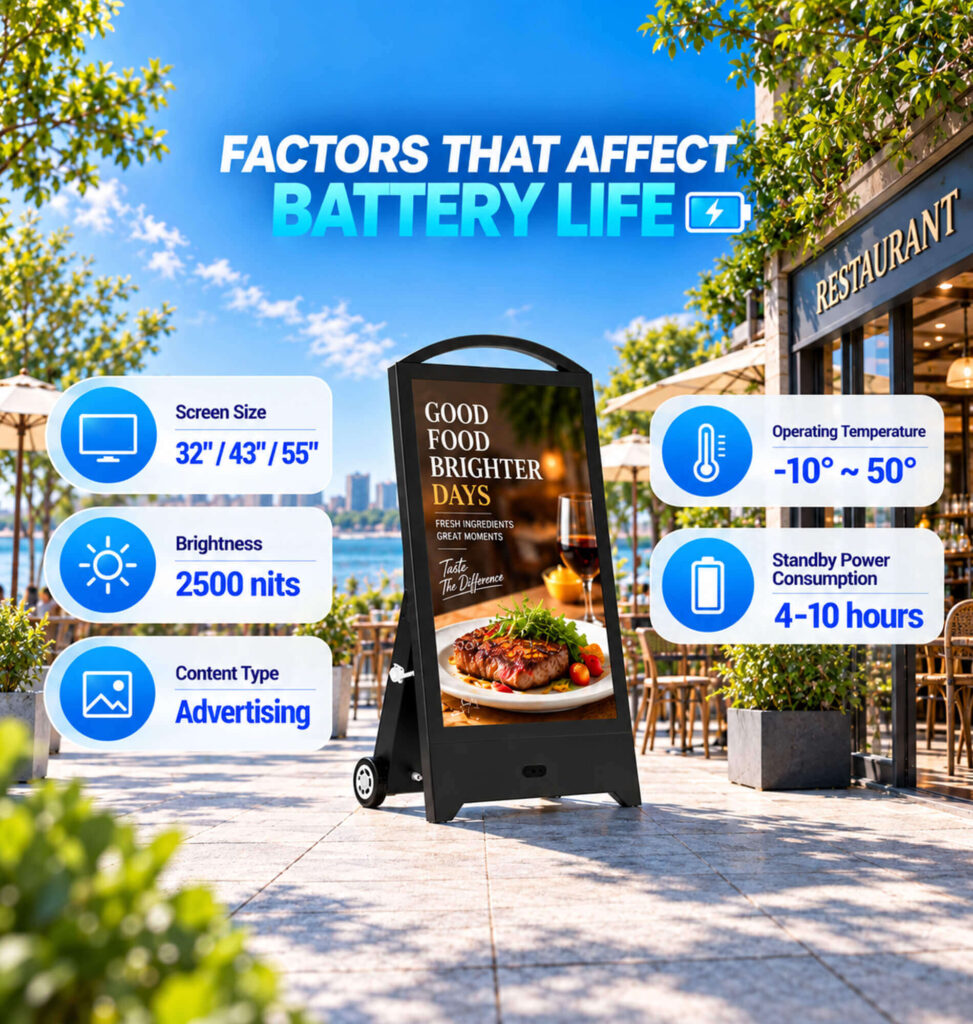
Runtime is not a fixed spec — it’s the outcome of several variables interacting with each other:
- Screen size and panel technology. Larger panels draw more power, and panel type affects efficiency. Independent benchmarking of commercial displays shows a roughly 32-inch unit typically draws in the 50–70 watt range under standard operation, while a 55-inch unit can draw 120–180 watts depending on brightness and backlighting technology — a difference that directly shortens battery life on larger units.
- Brightness level. Brightness is one of the largest single drivers of power draw, especially for outdoor units that run at higher nits for daylight visibility.
- Content type. Static images and simple loops consume less power than high-motion video or frequently changing dynamic content.
- Ambient temperature. Batteries and internal electronics both operate less efficiently in temperature extremes, which can reduce effective runtime in outdoor deployments.
- Configuration and standby behavior. Network connectivity, sensors, and background processes draw power even when the panel itself isn’t at full brightness.
Because these factors interact, “maximum runtime” figures typically represent a best-case scenario, not a planning baseline.
2. How to Estimate Runtime Before Deployment
Rather than relying on a single advertised number, build a working estimate before committing to a battery configuration for battery operated digital signage:
- Start with battery capacity (Wh or Ah) and the display’s typical power draw at your intended brightness and content settings.
- Apply a real-world derating factor. Manufacturer runtime figures are usually measured under controlled, moderate conditions — actual field use (higher brightness, warmer temperatures, denser content) tends to reduce that figure.
- Build in a safety margin. For any event where downtime is costly, plan around a conservative runtime estimate rather than the maximum theoretical figure, and treat the difference as your buffer.
- Re-check the estimate against the specific event. A multi-day outdoor activation has very different requirements than a two-hour indoor presentation, even with the same hardware.
This is the same logic that applies to any battery-powered commercial equipment: the spec sheet tells you what’s possible under ideal conditions, not what to plan around.
3. Battery vs. AC Power: Choosing the Right Setup
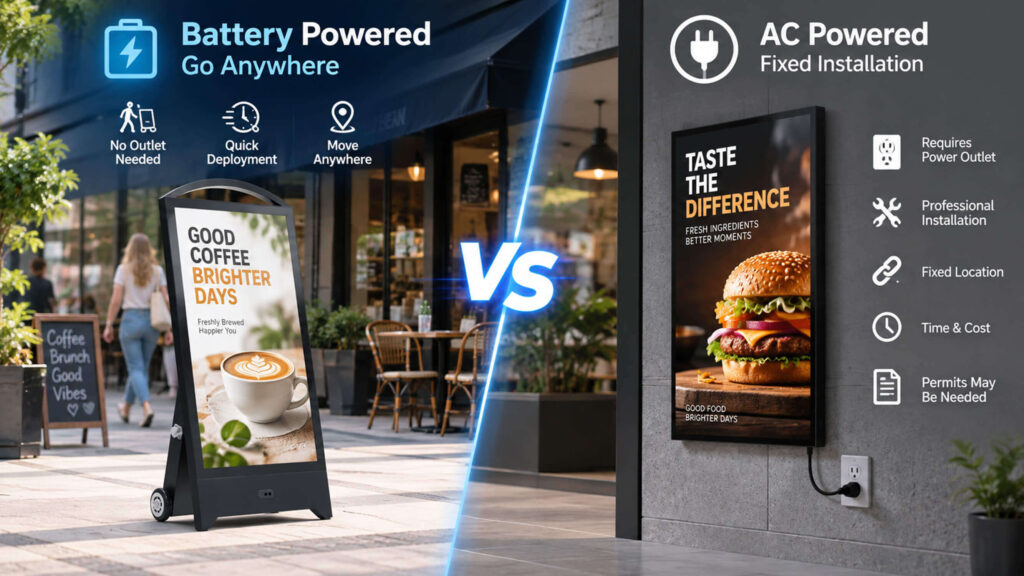
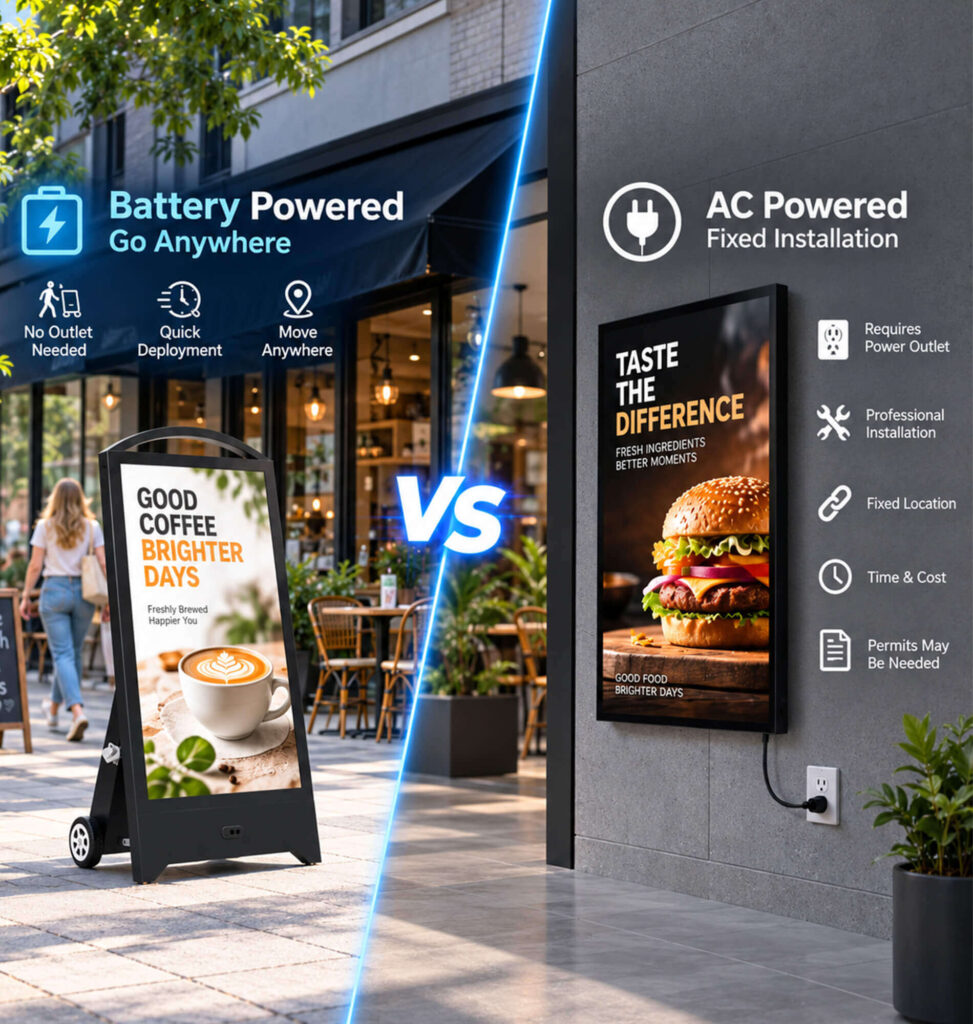
Neither power source is universally “better” — the right choice depends on the deployment.
| Factor | Battery-Powered | AC-Powered |
|---|---|---|
| Mobility | Excellent — moves freely between locations | Limited by outlet access and cable runs |
| Outlet dependency | Not required | Required |
| Long continuous operation | Requires capacity planning | Well suited |
| Short-term events | Excellent fit | Suitable when power is accessible |
| Unattended operation | Requires deliberate planning | Generally more straightforward |
| Best fit | Mobile events, exhibitions, temporary placements | Fixed installations, long-duration deployments |
For deployments where mobility and flexible placement matter most, battery power is the clear advantage. For fixed or continuous operation, AC power removes runtime planning from the equation entirely.
4. Best Practices for Reliable Operation

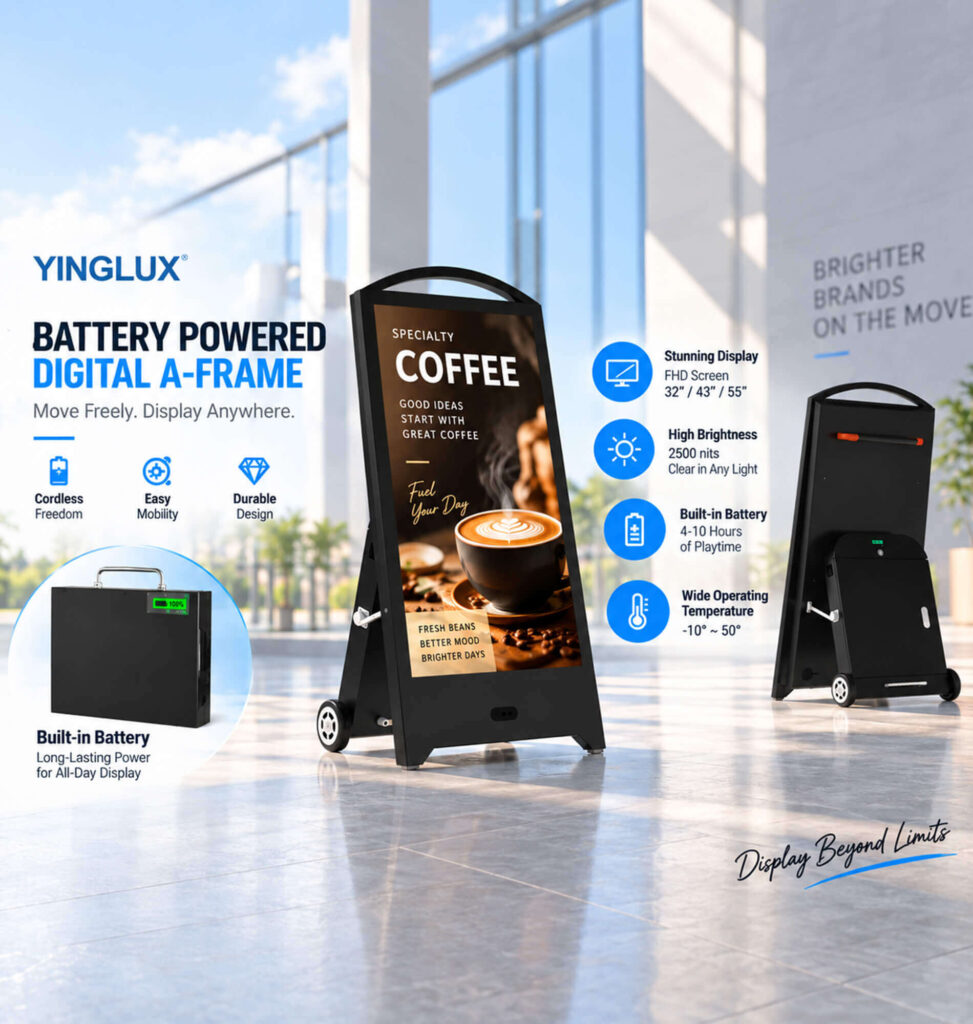
A few operational habits meaningfully extend both runtime per charge and overall battery lifespan:
- Avoid running the battery to complete depletion. Repeated deep discharge can trigger protective shutdowns and reduce battery lifespan over time.
- Charge fully before every event rather than assuming residual charge is sufficient.
- Use scheduled power on/off where supported. Automated scheduling is one of the most effective ways to cut unnecessary runtime — enterprise deployments using device scheduling and power policies have reported energy savings in the range of 40% simply by eliminating idle operating hours. The same principle applies at the level of a single portable unit: don’t run it longer than the deployment actually requires.
- Understand that standby is not the same as fully disconnected. Some internal electronics continue to draw a small amount of power even in low-power or standby modes.
- Monitor brightness settings. Dimming during lower-visibility periods, where content allows, meaningfully reduces power draw without materially affecting message visibility.
5. Unattended and Long-Duration Deployment Considerations
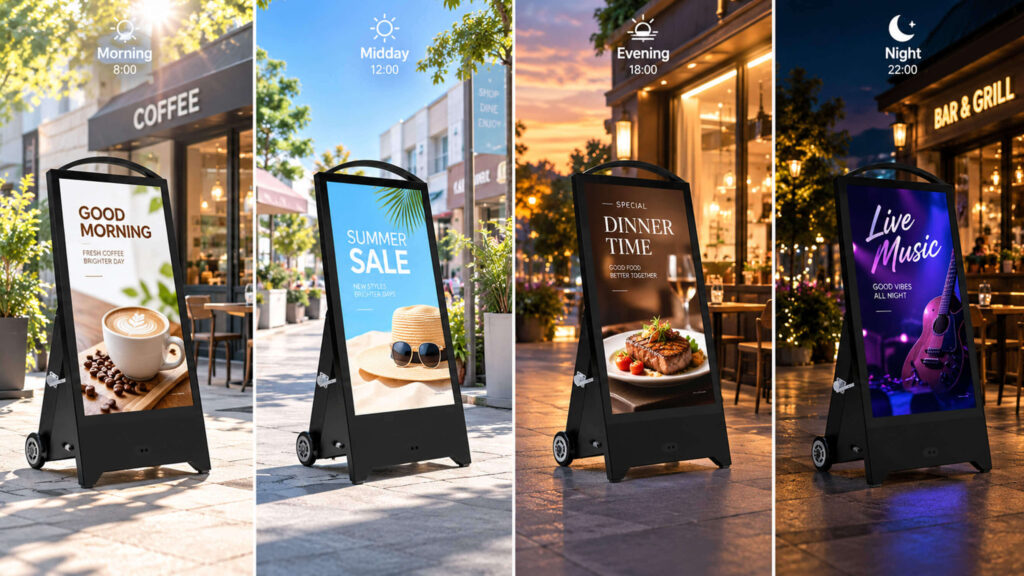

This is especially true for outdoor battery-powered digital signage, where unattended operation removes the option of checking battery levels mid-event and topping up as needed, changing the planning calculus:
- Do not plan an unattended deployment around the maximum theoretical runtime figure.
- Consider a higher-capacity battery configuration or a spare battery for any deployment exceeding a single work day.
- Where AC power is accessible even intermittently, using it as a primary or backup source reduces risk substantially.
- For multi-day or multi-site deployments, a spare battery is often the lowest-cost way to eliminate downtime risk — particularly for rental fleets and AV integrators managing multiple simultaneous placements.
6. Quick Reference: Recommended vs. Avoid
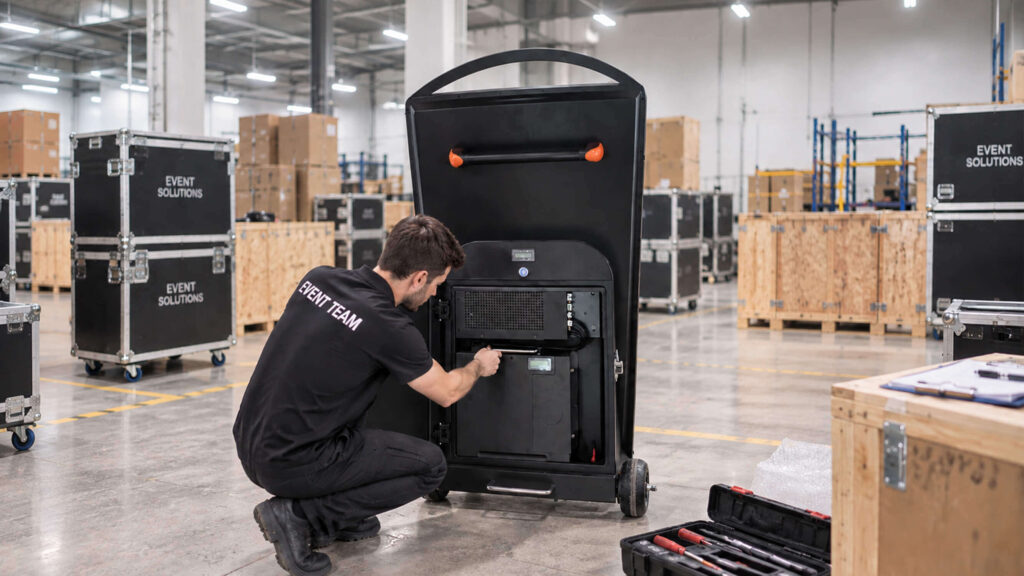
Recommended:
- Fully charge before every event
- Estimate runtime using real-world (not maximum theoretical) figures
- Build in spare capacity for critical or unattended deployments
- Use scheduled operating hours where supported
- Default to AC power for long-duration, fixed installations
- Keep a spare battery on hand for rental or multi-site use
Avoid:
- Repeatedly discharging the battery completely
- Planning solely around advertised maximum runtime
- Leaving a unit unattended for extended periods without a capacity buffer
- Assuming standby mode fully disconnects the battery
Conclusion
Battery powered digital signage gives businesses genuine flexibility for events, exhibitions, and temporary placements — but that flexibility depends on realistic power planning, not on the number printed on a spec sheet. Understanding what drives runtime, building in a margin for real-world conditions, and following a few consistent operating practices go a long way toward eliminating unexpected shutdowns.
For deployments where uptime is critical or supervision is limited, it’s worth evaluating whether battery powered digital signage, AC power, or a hybrid approach best fits the specific event — the right answer depends on the application, not the hardware alone.
Explore Yinglux’s portable digital signage solutions → | Talk to our team about your deployment →